
Create buckets and manage objects
Learn core S3 operations with the AWS Console, command line, roles, and presigned URLs.
Practice data security on AWS
Learn Amazon S3 by working with real AWS resources. Practice bucket operations, secure access, encryption, assessment, attack simulation, and recovery.
No credit card required


70,000+ people learn with Cybr





Choose a featured S3 lab
Start with bucket discovery or core operations. Then build secure access, assess risky settings, and protect data from ransomware.
 Free
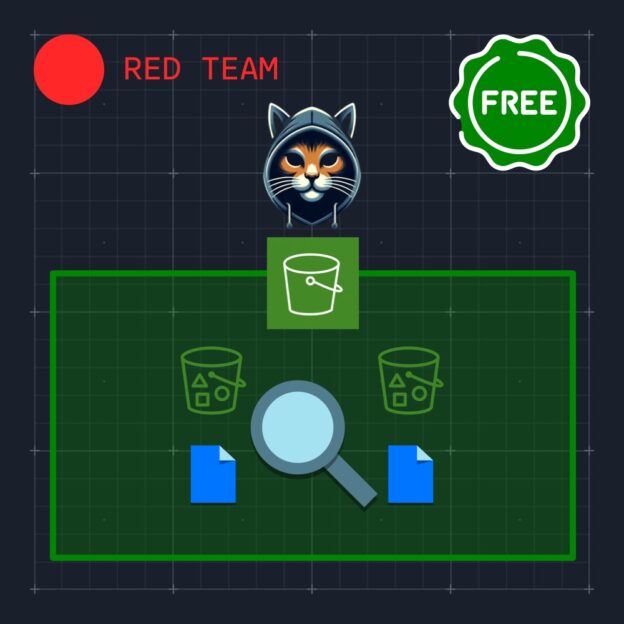
FreeFind S3 buckets and inspect the data and access that they expose.
Open lab Free
FreeCreate a bucket and manage objects with the AWS command line.
Open lab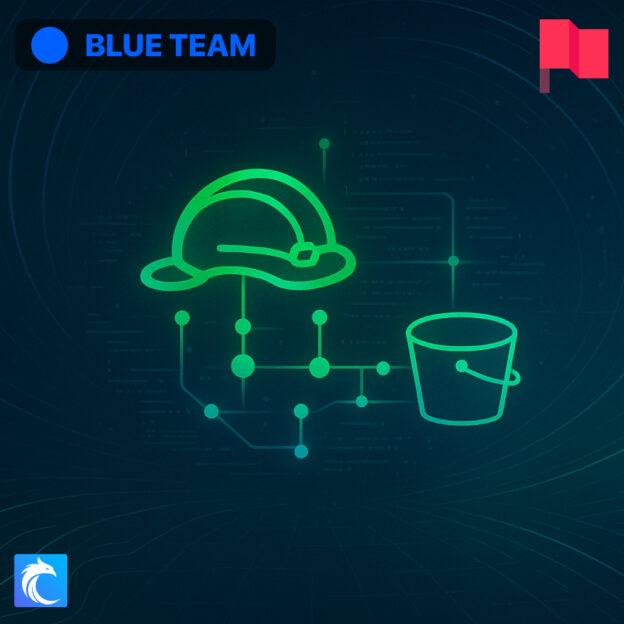 Premium
Create and assume an IAM role with controlled access to Amazon S3.
Open lab Premium
Use Prowler to find risky S3 settings across an AWS account.
Open lab Free
FreeAssess an S3 bucket and apply controls that reduce ransomware risk.
Open labAmazon S3 security topics
The S3 collection covers bucket operations, access, encryption, records, security checks, automated fixes, data theft, and ransomware scenarios.
Learn core S3 operations with the AWS Console, command line, roles, and presigned URLs.
Connect IAM and Terraform to S3, then practice importing and controlling existing resources.
Use limited S3 access to find buckets, exposed data, AWS account IDs, and organization IDs.
Use versioning, access logs, and encryption to protect S3 objects and support investigations.
Find unsafe settings with security tools, apply policy checks, and automate protection against public access and ransomware.
Study how attackers reach S3 data through compute services, bucket policies, and destructive ransomware methods.
Free cheat sheets
Policy examples and security references for controlling S3 access, protecting objects, managing encryption, and defending against ransomware.
Bucket access restrictions, object protection, encryption, and logging and monitoring controls.
Compare the scope, syntax, and permissions of S3 bucket policies, ACLs, and IAM policies.
Restrictive bucket-policy examples and guidance for identifying excessive access and policy weaknesses.
Prevention, detection, recovery, and security testing controls for defending S3 data against ransomware.
Direct KMS encryption and envelope encryption with data keys, including encryption and decryption workflows.
Installation, check selection, and reporting commands for assessing cloud security configurations with Prowler.
How the labs work
Cybr prepares the AWS environment for each lab. You can focus on S3 security instead of account setup, billing, and cleanup.
Start free or choose a premium lab that matches your experience.
Get the S3 buckets, AWS resources, access, and instructions that the lab requires.
Build, inspect, attack, or defend the S3 environment and review the result.
Practice without changing personal or company resources. Cybr provides the lab environment and covers its AWS costs.
Continue with a structured path
Use the Blue Team path for protection and response. Use the Red Team path to study discovery, access, and data theft.
Build defensive skills in data protection, security assessment, monitoring, response, and automation.
Practice discovery, exposed-resource analysis, attack paths, and data access in AWS environments.
Before you start
Yes. Selected S3 labs are free. Create a free account and start without a credit card. Start a free S3 lab
No. Cybr supplies the AWS environment and lab access. Your personal and company AWS accounts stay separate.
Beginners can start with bucket operations or enumeration. Later labs cover encryption, assessment, automated fixes, attack paths, and ransomware.
Labs cover buckets, objects, roles, policies, presigned URLs, versioning, access logs, encryption, security checks, automated fixes, data theft, and ransomware.
Yes. Attack labs run in isolated training environments. You can study destructive methods without using company resources.
No. Cybr provides the AWS environment, covers its cloud costs, and removes the lab resources after your session.
Discover S3 buckets in a guided AWS environment, then continue through access, protection, assessment, and attack scenarios.
No credit card required