
Free Hands-on labbeginnerAWS
Creating Buckets & Uploading Objects In S3 (Role)
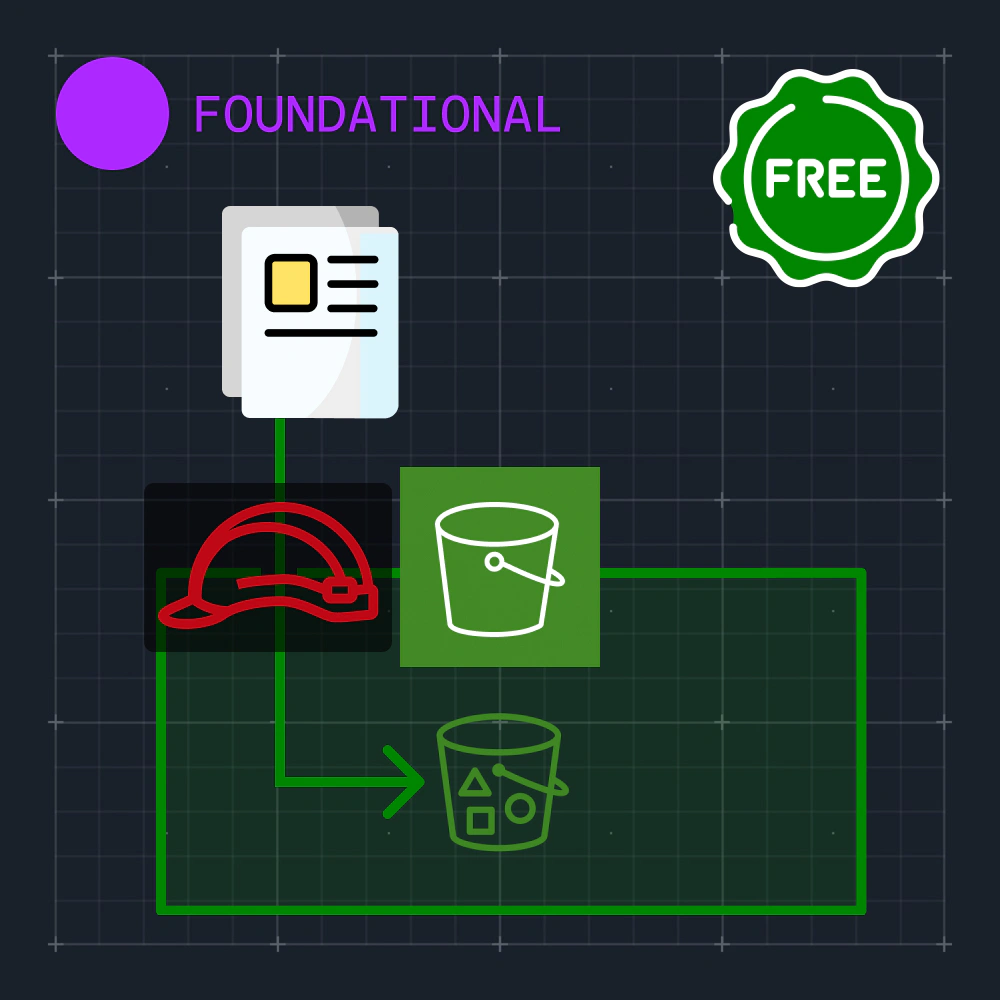
Learn how to assume an IAM Role in order to issue commands against the S3 API using temporary credentials as opposed to long-term credentials. You will also learn how to access the AWS console using assumed role credentials.
- 12 guided tasks
- Video walkthrough
Scenario
IAM Roles are preferred because they make use of short-term (temporary) credentials instead of long-term credentials like we get through IAM Users.
In this lab, we'll start off authenticated as an IAM User, and we'll use that user's credentials to authenticate through an IAM Role. Don't worry if you're not too sure what that means yet because this lab will show you what it means.
What you will learn
- Configure the AWS CLI with the access key of the lab IAM user.
- Find the role that the lab pre-created, and read its ARN.
- Assume that role and put its temporary credentials in a second CLI profile.
- Create a bucket and upload an object through the role.
- Show why the same command fails when you send it as the IAM user.
Hands-on lab
Creating Buckets & Uploading Objects In S3 (Role)
Free with a Cybr account.