
Premium Hands-on labbeginnerAWS
Encrypting S3 Data with SSE-KMS – AWS Console
Learn about the fundamentals of encrypting S3 objects with the Key Management Service (KMS). This lab teaches how to use the AWS Console to create a KMS key, and then enable SSE-KMS in Amazon S3 using that KMS key. It also teaches how to enable a Bucket Key to reduce costs when using SSE-KMS.
- 11 guided tasks
Scenario
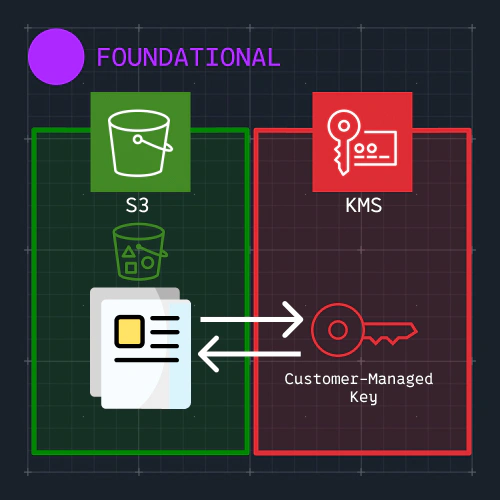
By default, S3 encrypts new objects with SSE-S3, so you do not control the encryption keys. In this lab, you use the AWS Console to create your own KMS key. Then you create an S3 bucket that encrypts new objects with that key through SSE-KMS.
What you will learn
- Describe the four encryption types that S3 supports.
- Create a symmetric customer managed KMS key with an alias in the AWS Console.
- Select key administrators and key users for a KMS key.
- Create an S3 bucket that uses SSE-KMS with a Bucket Key.
- Confirm that an uploaded object is encrypted with your KMS key.
Hands-on lab
Encrypting S3 Data with SSE-KMS – AWS Console
Included in Cybr Premium.