
Encrypting S3 Data with SSE-KMS – CLI
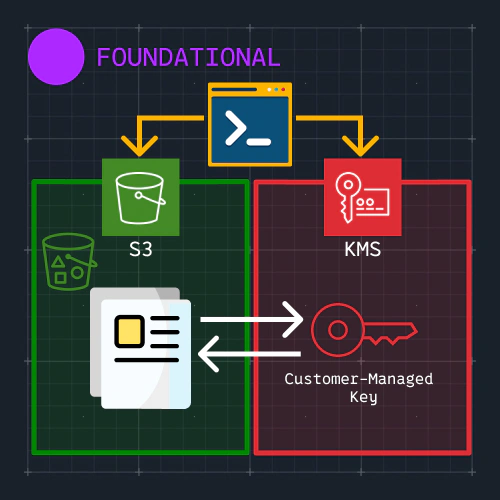
Learn about the fundamentals of encrypting S3 objects with the Key Management Service (KMS). This lab teaches how to use the AWS CLI to create a customer managed KMS key, and then enable SSE-KMS for an S3 bucket using that KMS key. It also teaches how to enable a Bucket Key to reduce costs when using SSE-KMS, and how to verify that objects being uploaded are being encrypted with SSE-KMS.
- 10 guided tasks
- Terminal in the browser
Scenario
Learn about the fundamentals of encrypting S3 objects with the Key Management Service (KMS). This lab teaches how to use the AWS CLI to create a customer managed KMS key, and then enable SSE-KMS for an S3 bucket using that KMS key. It also teaches how to enable a Bucket Key to reduce costs when using SSE-KMS, and how to verify that objects being uploaded are being encrypted with SSE-KMS.
What you will learn
- Create a customer managed KMS key with the AWS CLI.
- Give the key an alias so you do not have to use its id.
- Change an S3 bucket from the default AES256 encryption to SSE-KMS.
- Turn on a bucket key to lower the cost of SSE-KMS.
- Check that an object you upload is encrypted with your KMS key.