
Premium Hands-on labbeginnerAWS
S3 Presigned URLs
In this lab, learn how to create, configure, and use presigned URLs to share private S3 objects without exposing private S3 buckets.
- 7 guided tasks
Scenario
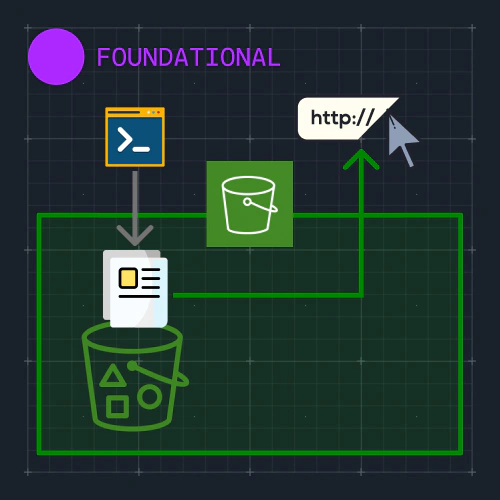
The lab gives you an AWS account with one private S3 bucket that holds a single object. Your job is to share that object with a person who has no AWS access. You will create a presigned URL for it, first in the AWS console and then with the AWS CLI. You will also set how long the URL stays valid, and see why sharing one is a risk.
What you will learn
- Create a presigned URL for an S3 object in the AWS console.
- Set how long a presigned URL stays valid.
- Create the same presigned URL with the AWS CLI.
- Read the parts of a presigned URL, such as its signature and its expiry.
- Explain why a presigned URL is a risk when it is shared.