
Premium Hands-on labbeginnerAWS
S3 Server Access Logs (CLI)
Learn how to enable S3 Server access logging via the CLI, and how to retrieve and view logs when you don't have access to the AWS console. Note: S3 access logs can take an hour to appear, so make sure you have time to leave the lab running for a while before launching it.
- 6 guided tasks
Scenario
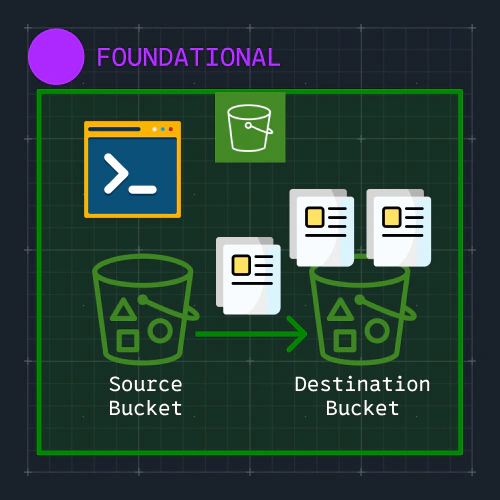
In the prior lab, we learned how to enable S3 server access logs using the AWS console. The benefit of the console is that it's simpler to use since you can click through a graphical user interface. However, sometimes you can't get access to the console or you need to automate actions so that they can be repeatable either in the same account or across multiple accounts.
In this lab, let's learn how to enable S3 server access logs using only the AWS CLI..
What you will learn
- Configure an AWS CLI profile with the lab credentials.
- Allow the S3 logging service to write to a destination bucket.
- Enable server access logging on a source bucket.
- Generate requests against the source bucket.
- List and download S3 server access logs.