
CybrBits
Short lessons. Practical skills.
Learn one useful cloud security tool, technique, or idea.
Learn something new over lunch
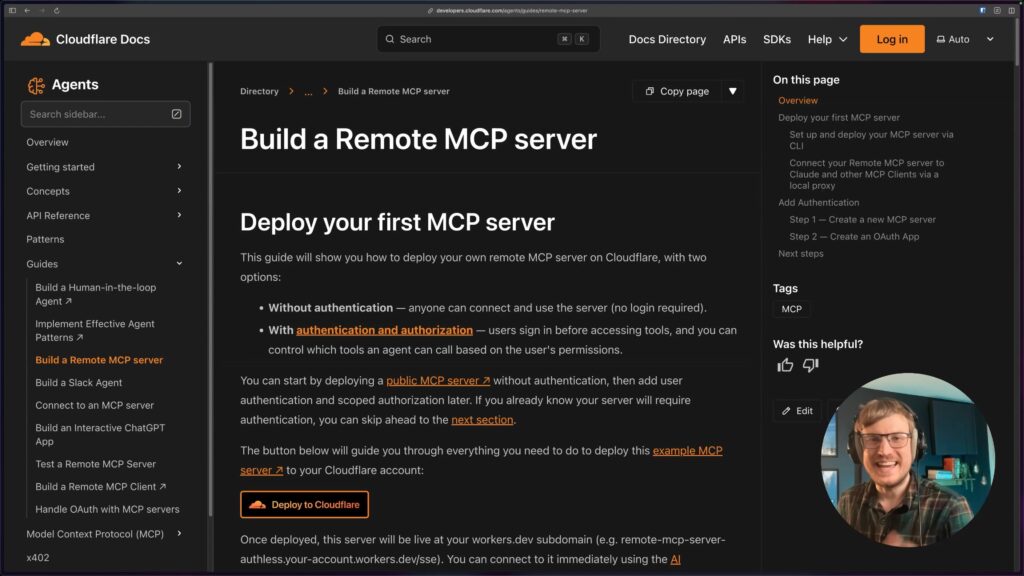
Build Your First MCP Server with Cloudflare (In Minutes)
Learn how to create, deploy, and test a fully working MCP server using Cloudflare Workers, then connect it to Claude Desktop and ChatGPT. This beginner-friendly walkthrough gets you from zero to a live MCP server in just a few minutes.
Watch CybrBit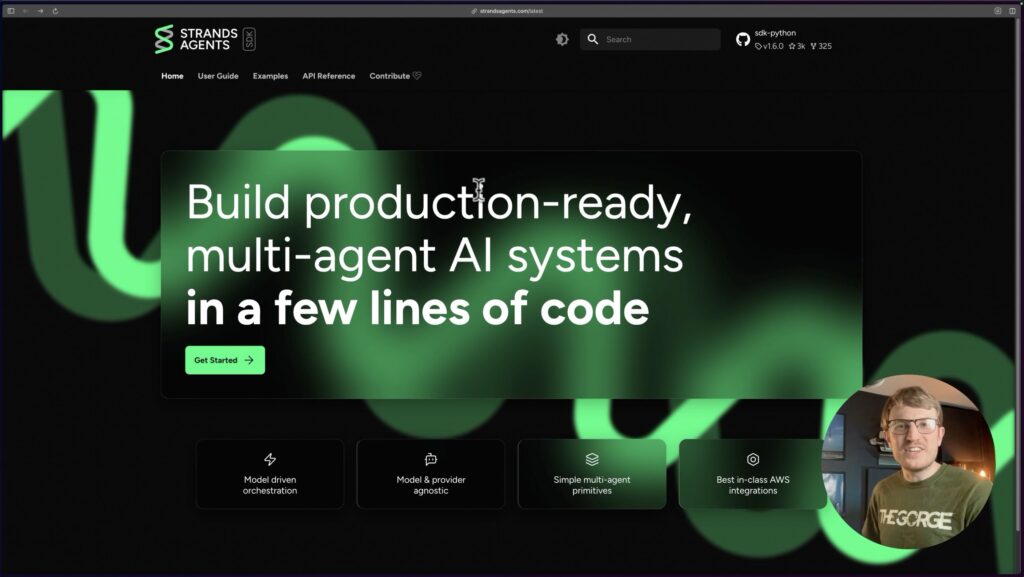
Your First Security AI Agent with Strands & Bedrock
Learn how to get started using the Strands Agent with Bedrock to create a content moderation AI agent that gets deployed to AWS Lambda behind an API Gateway.
Watch CybrBit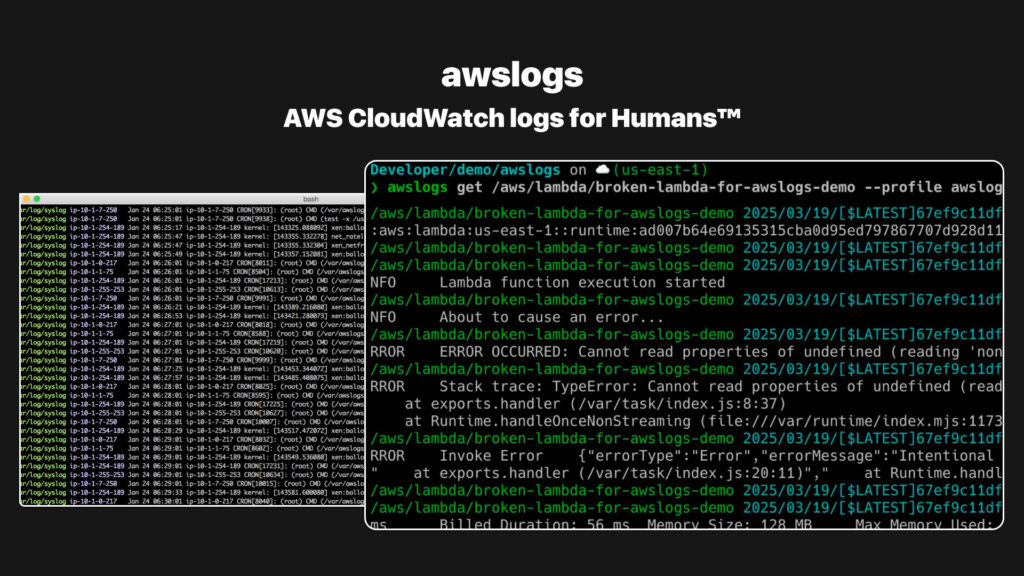
Easily retrieve CloudWatch logs from the CLI with awslogs
The need to quickly retrieve, filter, and analyze logs is super important. That’s where awslogs comes in – it’s a simple yet powerful command-line tool that makes retrieving CloudWatch logs from your terminal a breeze.
Watch CybrBit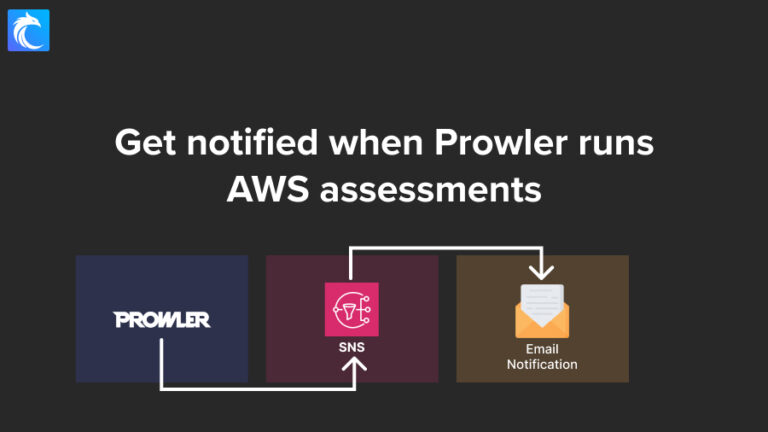
Get notified when Prowler runs AWS assessments (Part 3)
Set up notifications to let you know when Prowler runs AWS assessments so you can verify findings in your AWS Security Hub dashboard.
Watch CybrBit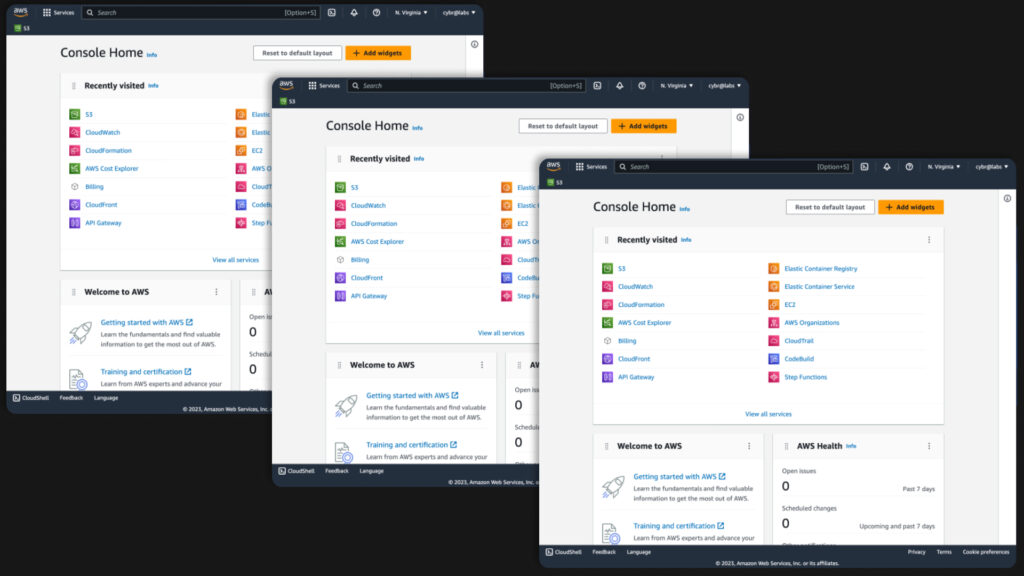
Multiple AWS sessions in the same browser
We’ve got a fun little CybrBit today! As of January 2025, AWS now finally natively supports multi-session logins, which means you can now log into up to 5 AWS identities at the same time and in the same browser. Let’s take a look at how it works and how to use it.
Watch CybrBit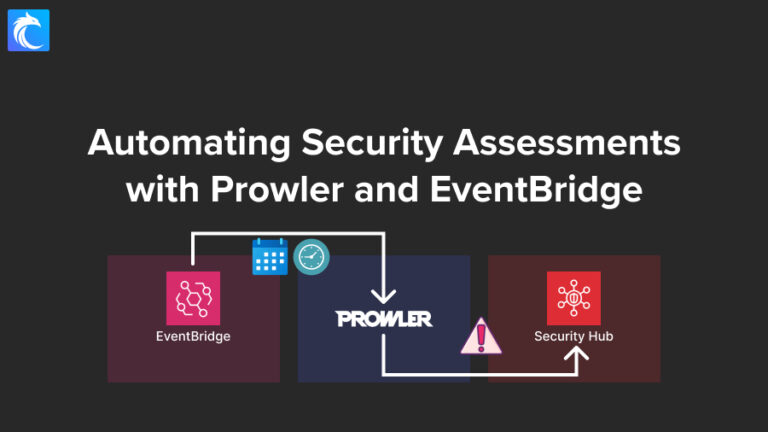
Automate Security Assessments with Prowler and EventBridge (Part 2)
Configure and deploy EventBridge schedules to run Prowler in CodeBuild in order to push findings to Amazon Security Hub.
Watch CybrBit
Using Prowler with Security Hub for AWS Assessments (Part 1)
Learn how to integrate Prowler, a cloud security assessment tool, with AWS Security Hub for automated security findings using a serverless architecture. The walkthrough shows how to set up a solution that leverages AWS CodeBuild to run Prowler scans, store results in S3 buckets, and push findings directly to Security Hub for centralized security monitoring.
Watch CybrBit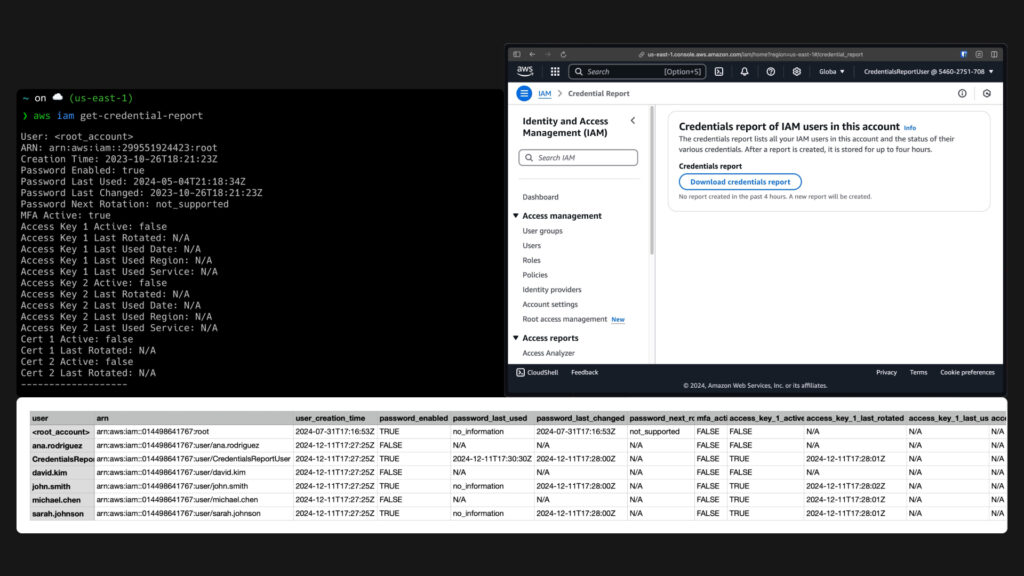
IAM Credentials Report
The IAM Credentials Report is a built-in AWS tool that provides information about users and user authentication in an AWS account. The report lists all users, their creation dates, and details about their authentication methods including passwords, access keys, and MFA devices, along with timestamps of when these credentials were last used. You can access this report through both the AWS Console and the AWS CLI, and that’s what I’ll show you in this CybrBit. This report is particularly useful for auditing user credentials and can help organizations transition from IAM users to AWS Identity Center.
Watch CybrBit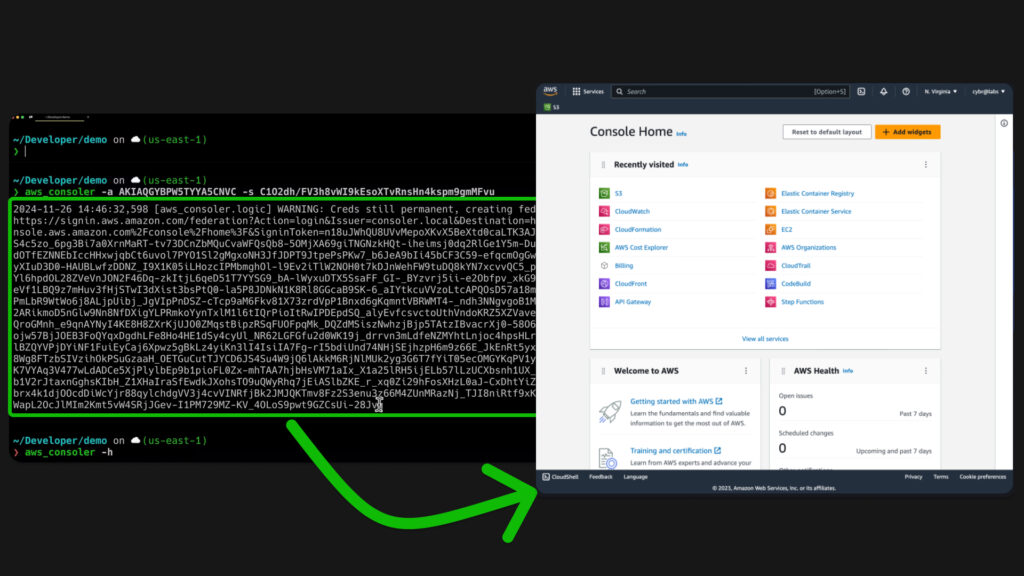
Convert CLI credentials into AWS Console access with AWS_Consoler
Have you ever received temporary credentials from assuming a role, or long-term AWS credentials like an access key, and you wanted to quickly log in to the AWS console, but it turned out to be an annoying process? AWS_Consoler makes the process a whole lot easier. Here’s how it works.
Watch CybrBit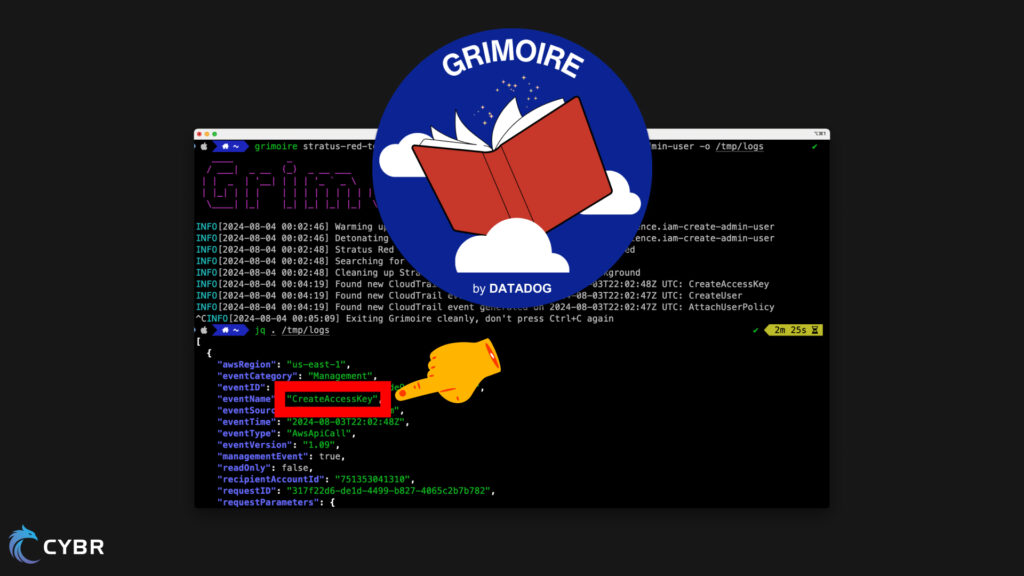
AWS Detection Engineering with Grimoire
Learn how to use Grimoire, an open source tool, to generate datasets of cloud audit logs for common attacks to aide in your AWS cloud detection engineering efforts.
Watch CybrBit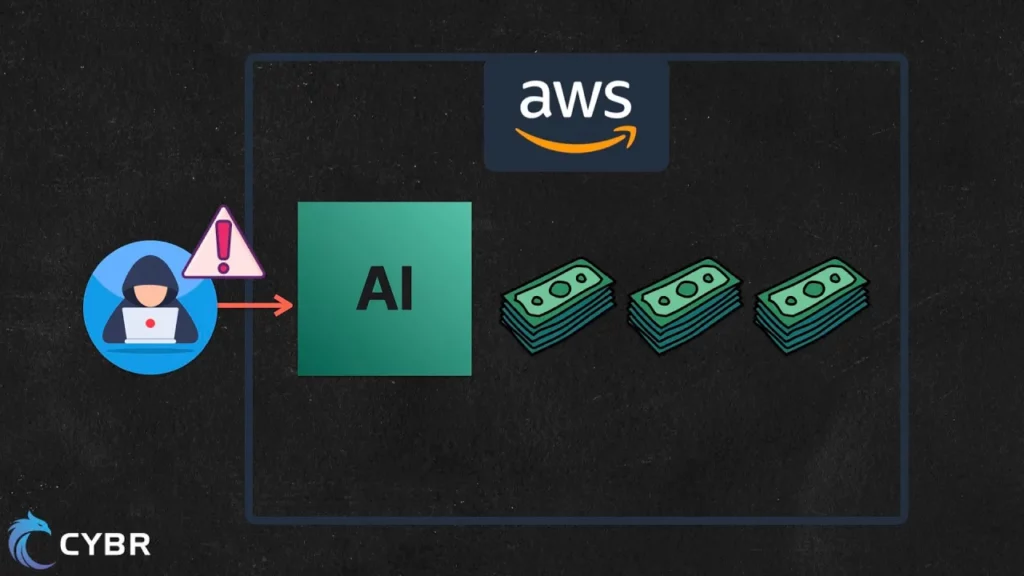
This new attack is targeting AWS accounts and it involves AI
We’re seeing a new attack targeting AWS accounts that involves AI. This video provides a technical breakdown of what the attack is, how it works, and how to prevent it. We provide a technical analysis and tips & tricks at the end for how you can protect your AWS environments from this threat.
Watch CybrBit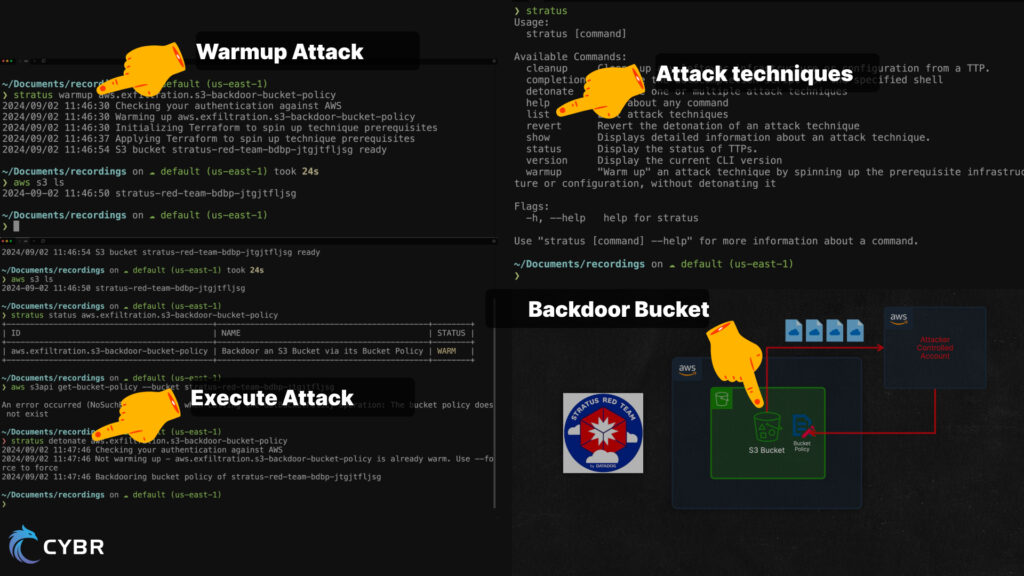
Automated Attack Simulation in AWS for Red Teaming
Learn how to use Stratus Red Team, an automated red teaming tool, to backdoor an S3 bucket by updating its Bucket Policy to allow access from an external AWS account. This method allows an attacker to access and exfiltrate S3 data, even if the compromised access key is deleted.
Watch CybrBit