
Build Azure portal and CLI foundations
Learn how Azure organizes resources, then use the portal and command line to find, deploy, and troubleshoot cloud services.
Real Microsoft Azure environments
Build practical Azure skills with real cloud resources. Practice the portal, CLI, storage, identity, serverless apps, monitoring, and AI agents without setting up your own subscription.
No credit card or Azure subscription required


70,000+ people learn with Cybr



Featured Azure labs
Begin with the Azure portal and CLI, investigate cloud activity, or build your first AI agent with Microsoft Foundry.
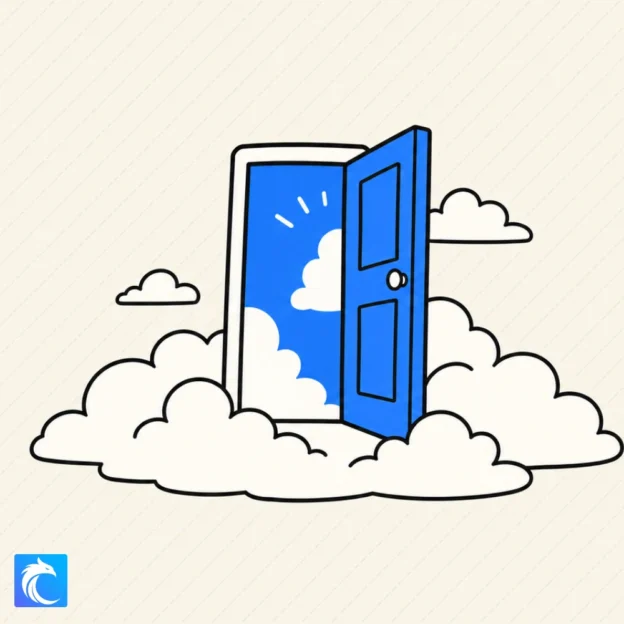 Free
FreeExplore the Azure portal and learn how resources, subscriptions, and services fit together.
Open lab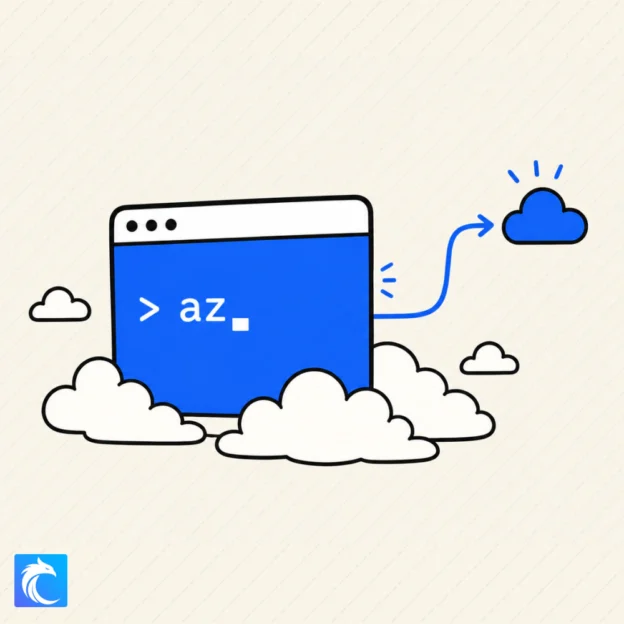 Free
FreeUse the Azure CLI to discover resources and recover deployment evidence from Blob Storage.
Open lab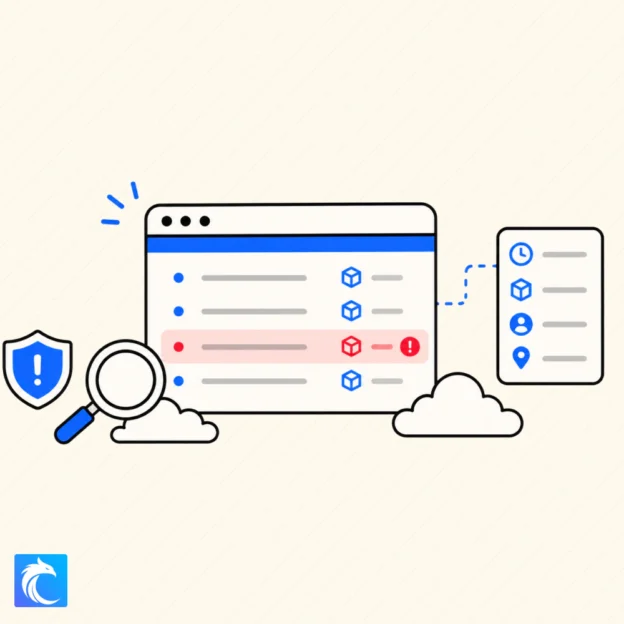 Free
FreeTrace an unauthorized configuration change with the Azure Activity Log.
Open lab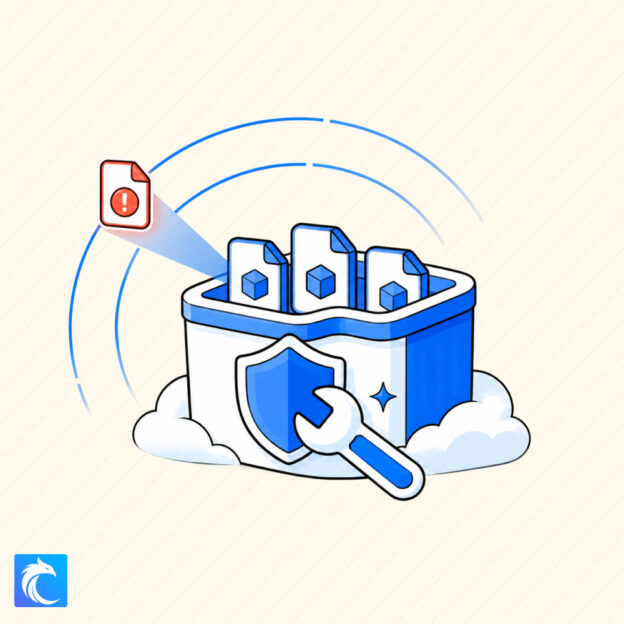 Premium
Use Prowler to find and remediate publicly exposed Azure Blob Storage.
Open lab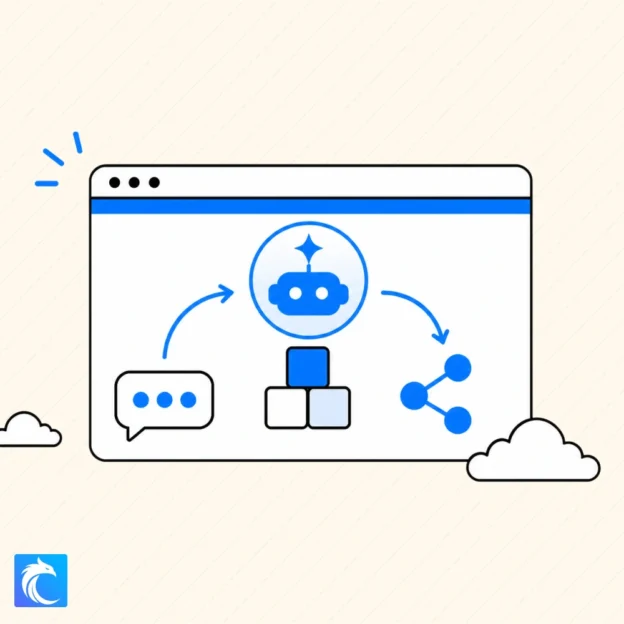 Premium
Build a prompt agent in Microsoft Foundry and learn the foundations of agent development.
Open labAzure practice topics
Follow practical scenarios across the tools and services used to deploy, secure, investigate, and operate applications in Microsoft Azure.
Learn how Azure organizes resources, then use the portal and command line to find, deploy, and troubleshoot cloud services.
Publish websites, assess Blob Storage exposure with Prowler, protect applications with Microsoft Entra, and investigate changes to Azure resources.
Create agents with Microsoft Foundry, connect them to applications and operational knowledge, and give them constrained access to Azure tools.
Free cheat sheets
Explore Prowler, an open-source security assessment tool for Azure and other cloud platforms.
Installation options, supported providers, and security assessment use cases. Covers Azure support, with detailed command examples focused on AWS.
How the labs work
Cybr prepares an isolated Azure environment for each lab, so you can focus on the task instead of subscriptions, billing, and cleanup.
Pick a guided scenario that matches the skill you want to practice.
Open the temporary Azure environment prepared for your lab.
Use the portal, CLI, or application tools to finish the task.
Practice separately from personal and company resources. Cybr provides the Azure environment and removes the resources when the lab ends.
Before you start
You can practice the Azure portal, Azure CLI, Blob Storage security assessments with Prowler, Static Web Apps, serverless APIs, Microsoft Entra authentication, Activity Log investigations, Microsoft Foundry, and secure AI agent access.
No. Cybr provides the temporary Azure resources and credentials required by each lab, so you do not need to connect a personal or company subscription.
Yes. Foundational labs introduce the Azure portal and CLI before later scenarios move into application security, cloud investigations, serverless development, and AI agents.
Yes. The Azure collection includes free foundational labs for the portal, CLI, storage, application deployment, identity, and activity-log investigation. Browse free Azure labs
Lab resources are temporary and isolated. Cybr handles cleanup when the lab session ends, so the environment does not create an ongoing cloud bill.
Launch a real Microsoft Azure environment and complete your first guided cloud task.
No credit card or Azure subscription required