
Give AI Agents Tools for Read-Only Access to Azure Environments
Deploy a Foundry agent with a tool that can read live Azure application data. You will use this data and an operational runbook to investigate an HTTP 503 response in one of your customer apps that was recently deployed and caused an outage. This lab introduces you to the concept of providing agents with tools so they can query real data instead of relying on their training and hallucinating responses.
- 9 guided tasks
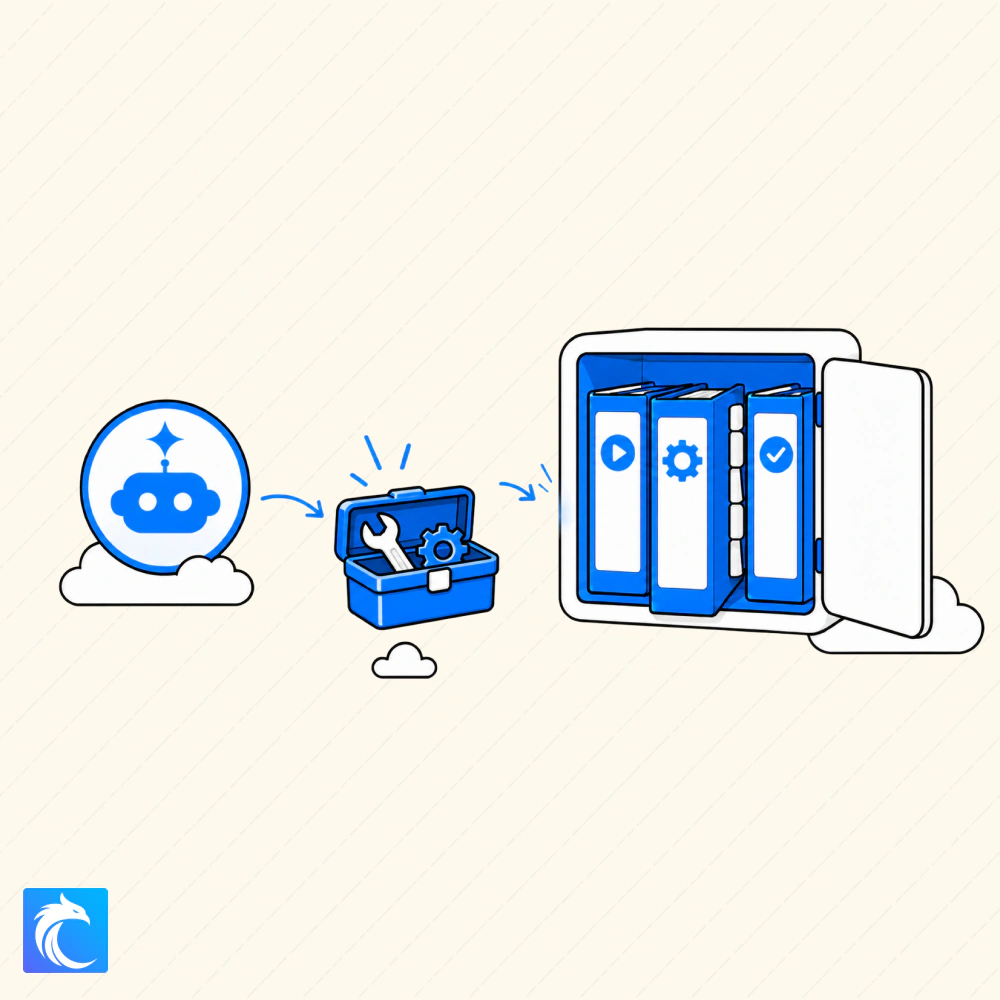
Scenario
Our operations team is testing an AI assistant called CloudOps. It can read our troubleshooting procedures, but it cannot inspect a running Azure application. Give it a read-only tool that returns live application status. Then deploy a failed release and examine how the assistant combines current evidence with the correct procedure.
- Your Manager
What you will learn
- Deploy a Foundry agent with a read-only live-status tool
- Deploy an application release that returns HTTP 503
- Use live tool evidence to identify a release error
- Trace a Foundry tool call through the application source
- Repair the release and examine its recovery
Give AI Agents Tools for Read-Only Access to Azure Environments
Included in Cybr Premium.