
Premium Hands-on labbeginnerAzure
Connect a web app to Microsoft Foundry
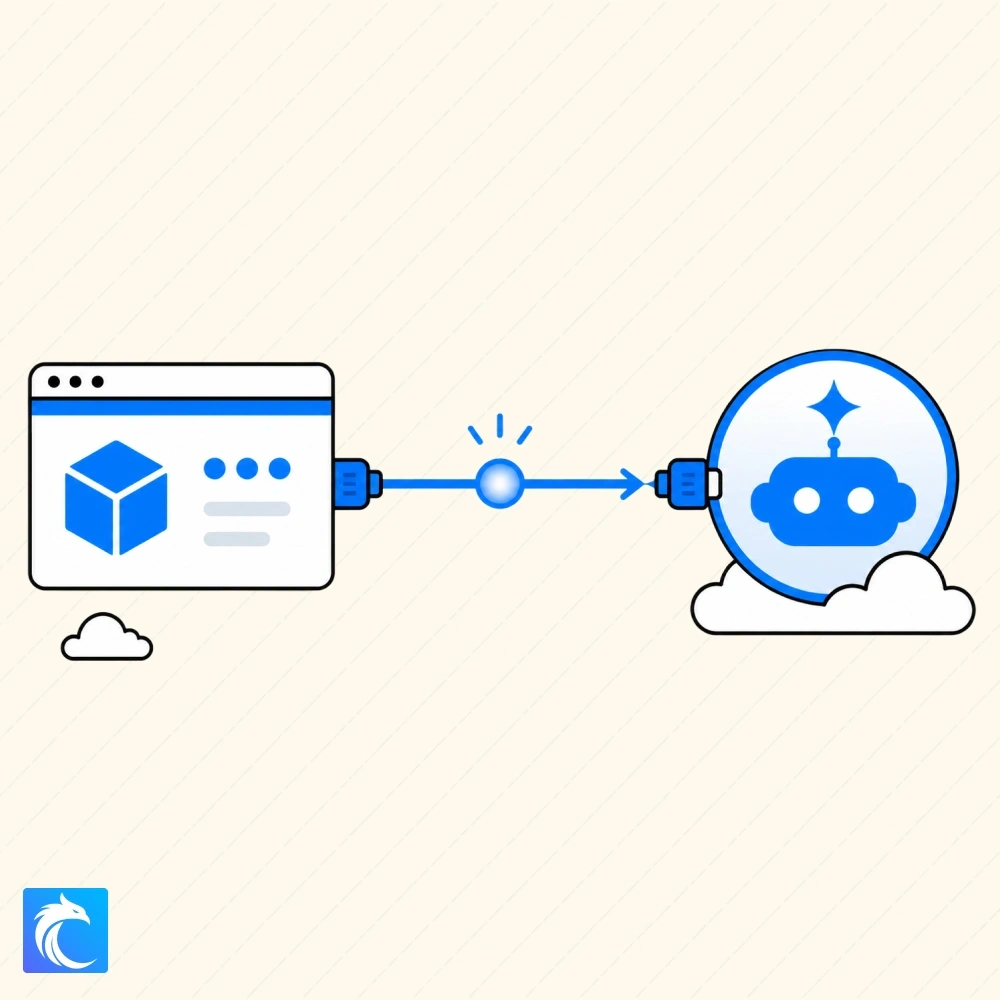
Connect an authenticated Azure Static Web App to a Microsoft Foundry AI prompt agent. Build a server-side chat API, give its identity only agent-consumer access, and send requests without exposing Foundry credentials in browser code.
- 9 guided tasks
Scenario
A support agent is ready in Microsoft Foundry, but analysts cannot use the Foundry playground as their daily interface. Connect it to the authenticated CloudOps application without sending model credentials to the browser.
- Your Manager
What you will learn
- Use the Azure CLI and Node.js in your own terminal to build a server-side API
- Trace an authenticated request from a browser to a Foundry agent
- Keep Foundry credentials out of browser code
- Authenticate a server-side API with a dedicated service principal
- Invoke a prompt agent through the Foundry Responses API
- Verify the agent response in a live CloudOps application