
Free Hands-on labbeginnerAzure
Deploy a static website to Azure Storage with the Azure CLI
Authenticate with a service principal and use the Azure CLI to create a storage account, enable static website hosting, upload a website release, inspect the deployment operation, and delete the temporary resources.
- 7 guided tasks
- Capture the flag
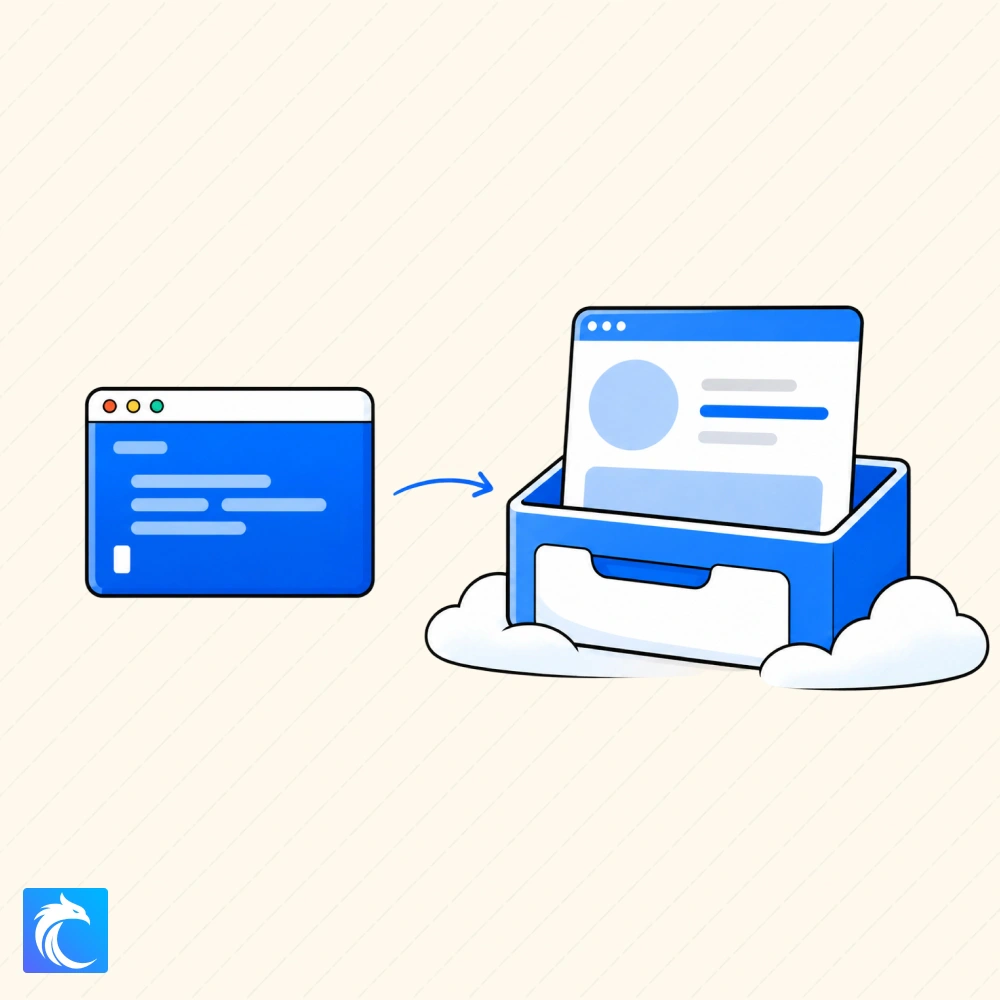
Scenario
You recovered yesterday's missing release evidence. Today, ship version two without the portal. Use the release service principal to create a temporary storage account, publish the progress site, and record the result. Read the release log and delete the test account before you finish.
- Your Manager
What you will learn
- Create and delete Azure resources from the command line
- Enable static website hosting with the Azure CLI
- Publish version two of the progress site
- Find the release operation in the Azure activity log
- Leave the release resource group clean
Hands-on lab
Deploy a static website to Azure Storage with the Azure CLI
Free with a Cybr account.