Labs Launched This Month: August 2026
Explore 13 new Azure Hands-On Labs covering the Azure portal, Storage, the Azure CLI, Static Web Apps, Microsoft Entra, serverless APIs, and Microsoft Foundry.

August was a big month for Cybr Hands-On Labs: we launched our first 13 labs on Microsoft Azure.
These are 1-click deploy labs that give you an Azure environment with the resources and access you need. You can practice in the Azure portal, work from the command line, deploy applications, investigate changes, and build with Microsoft Foundry without using your own cloud account.
Here is everything we launched this month.
Your First Day Inside the Azure Portal

Start with a real Azure account, two resource groups, and only a few directions. You will map the Azure hierarchy, follow resource tags, create a storage account, upload a file to Blob Storage, and work out what your assigned roles allow you to do.
Launch Your First Day Inside the Azure Portal
Publish a static site on Azure

Create a public website that records your Azure learning progress. You will configure static website hosting in Azure Storage, upload a multi-page site, and publish it through a live public endpoint.
Launch Publish a static site on Azure
Getting Started with the Azure CLI
Practice the Azure CLI by investigating a missing website release. With no portal access, you will sign in from a terminal using a read-only service principal, discover the resources you can access, and follow storage account tags to find the release notes in a private blob container.
Launch Getting Started with the Azure CLI
Deploy a static website to Azure Storage with the Azure CLI
Authenticate with a service principal and use the Azure CLI to create a storage account, enable static website hosting, upload a website release, inspect the deployment operation, and delete the temporary resources.
Launch Deploy a static website to Azure Storage with the Azure CLI
Troubleshoot Azure Storage Permissions with the Azure CLI
Investigate why Azure rejects website uploads from a deployment service principal, identify the missing storage permission, and repair the role assignment from the Azure CLI.
Launch Troubleshoot Azure Storage Permissions with the Azure CLI
Investigate Unauthorized Changes in the Azure Activity Log
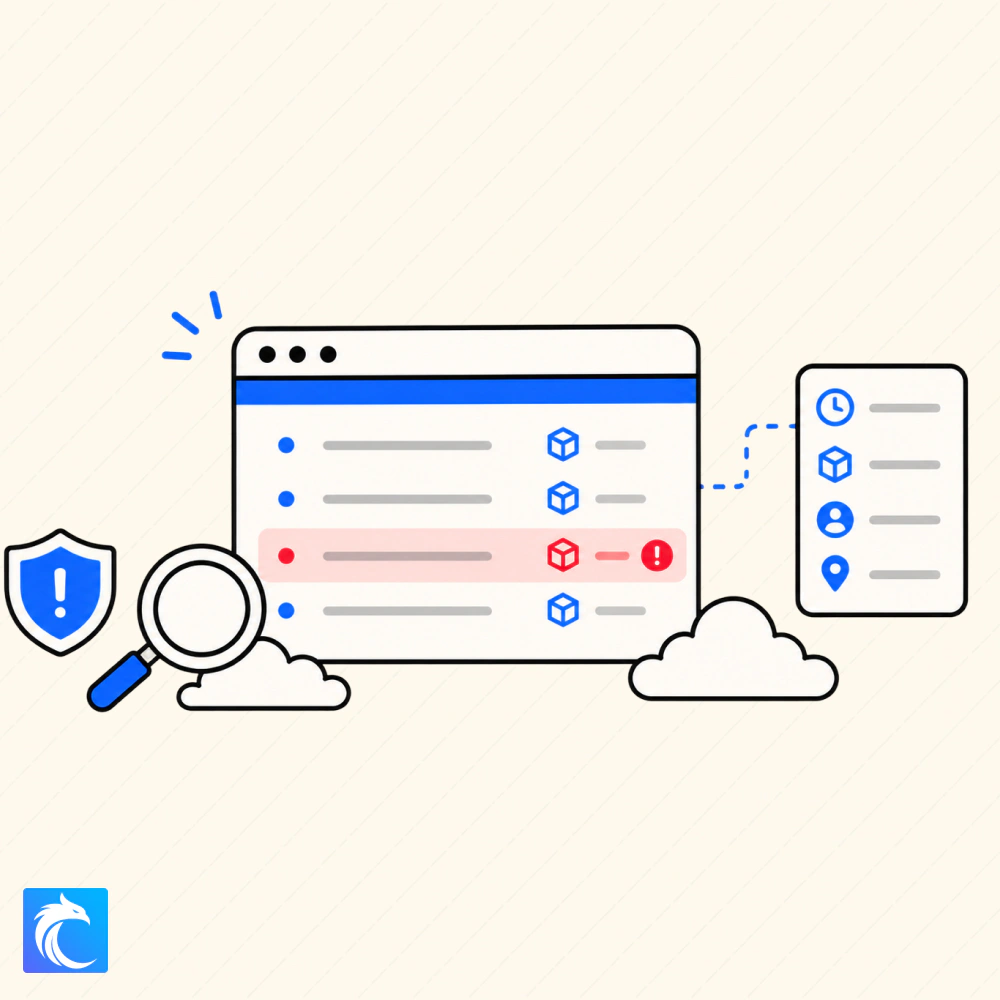
An unapproved version of the progress site has appeared. Use the Azure Activity Log, role assignments, and site files to identify who published the change and collect the evidence.
Launch Investigate Unauthorized Changes in the Azure Activity Log
Deploy a website with Azure Static Web Apps

Create an Azure Static Web App and deploy a packaged frontend from Azure Cloud Shell with the Static Web Apps CLI. You will finish by verifying the application on its public HTTPS endpoint.
Launch Deploy a website with Azure Static Web Apps
Require Microsoft Entra sign-in for an Azure App

Take an Azure Static Web App that is open to everyone and protect it with Microsoft Entra authentication. You will grant access through a custom role and verify that only authorized users can sign in.
Launch Require Microsoft Entra sign-in for an Azure App
Add a serverless API to an Azure Static Web App
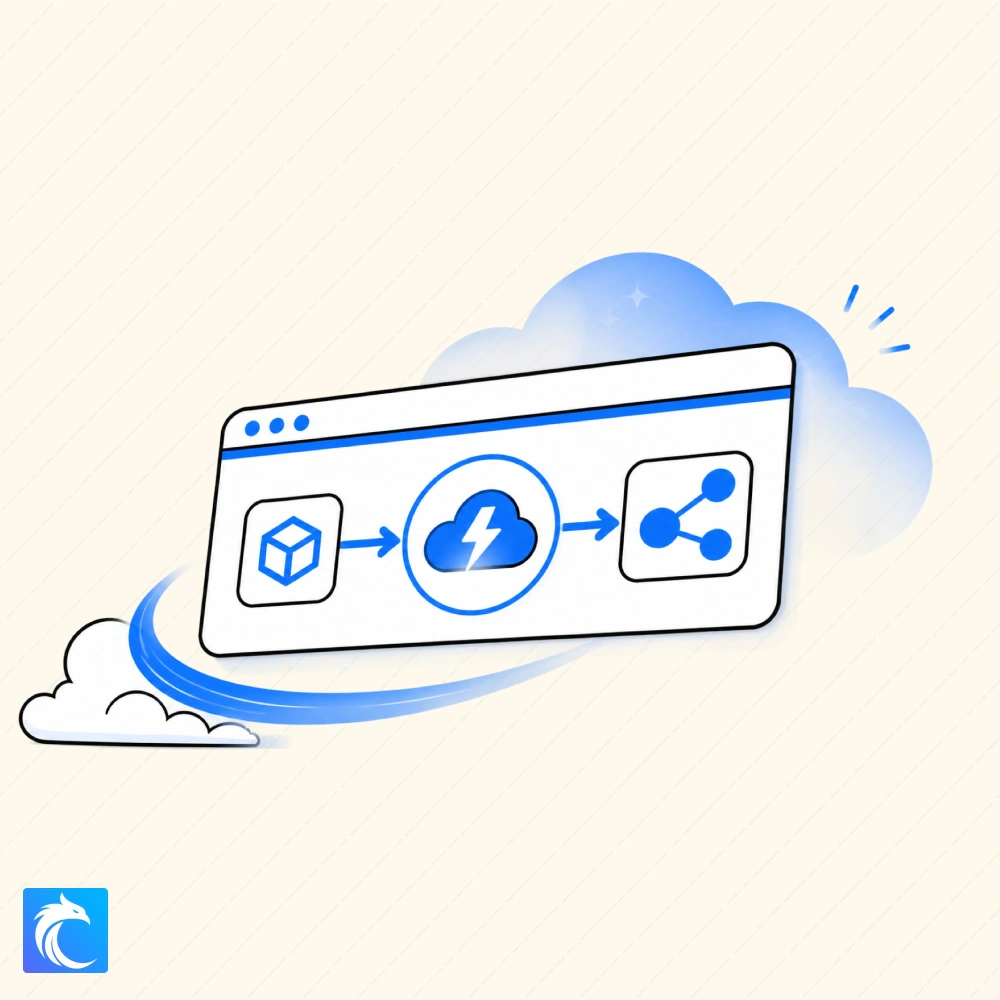
Extend an authenticated Azure Static Web App with a Node.js Azure Function. Protect the frontend and API routes, deploy them together, and verify that the serverless API can identify the signed-in user.
Launch Add a serverless API to an Azure Static Web App
Build your first prompt agent with Microsoft Foundry
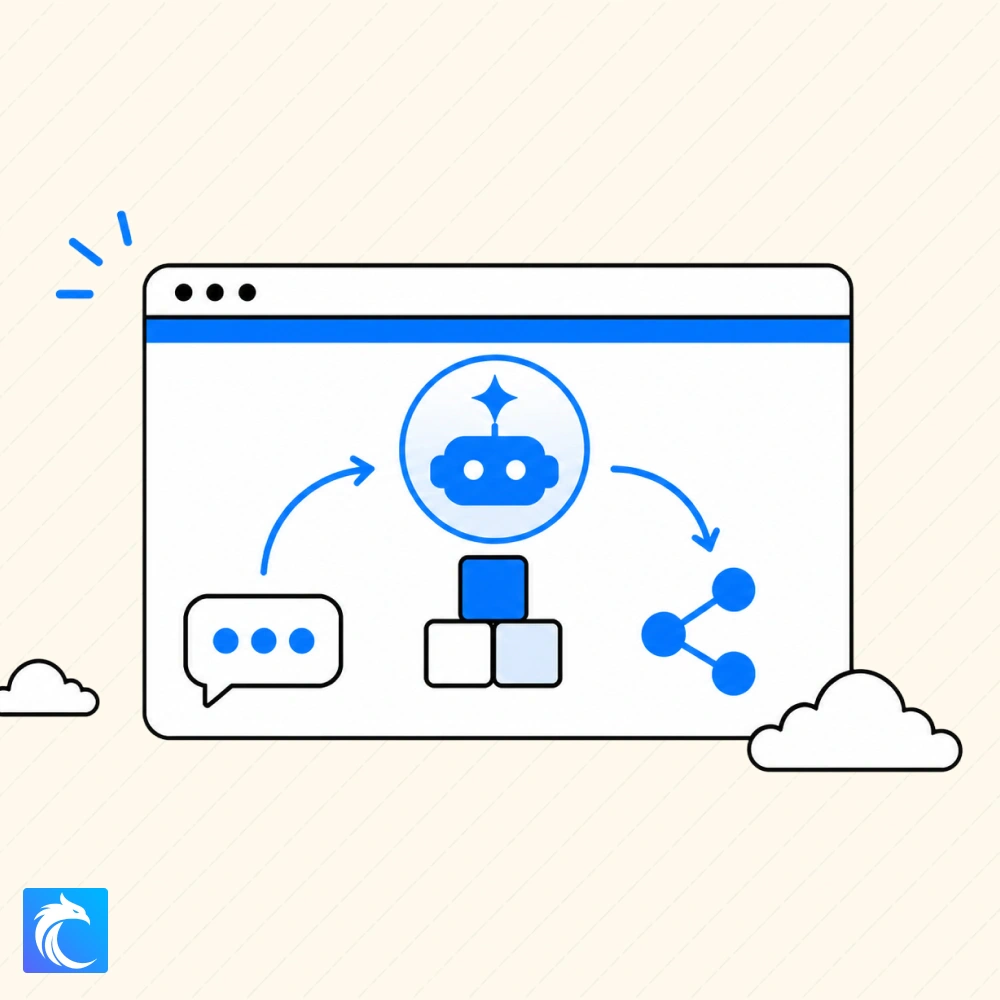
Build a prompt agent in Microsoft Foundry, customize its instructions, and compare how those changes affect its responses. This lab introduces the Azure platform for building, deploying, and managing AI applications and agents.
Launch Build your first prompt agent with Microsoft Foundry
Connect a web app to Microsoft Foundry
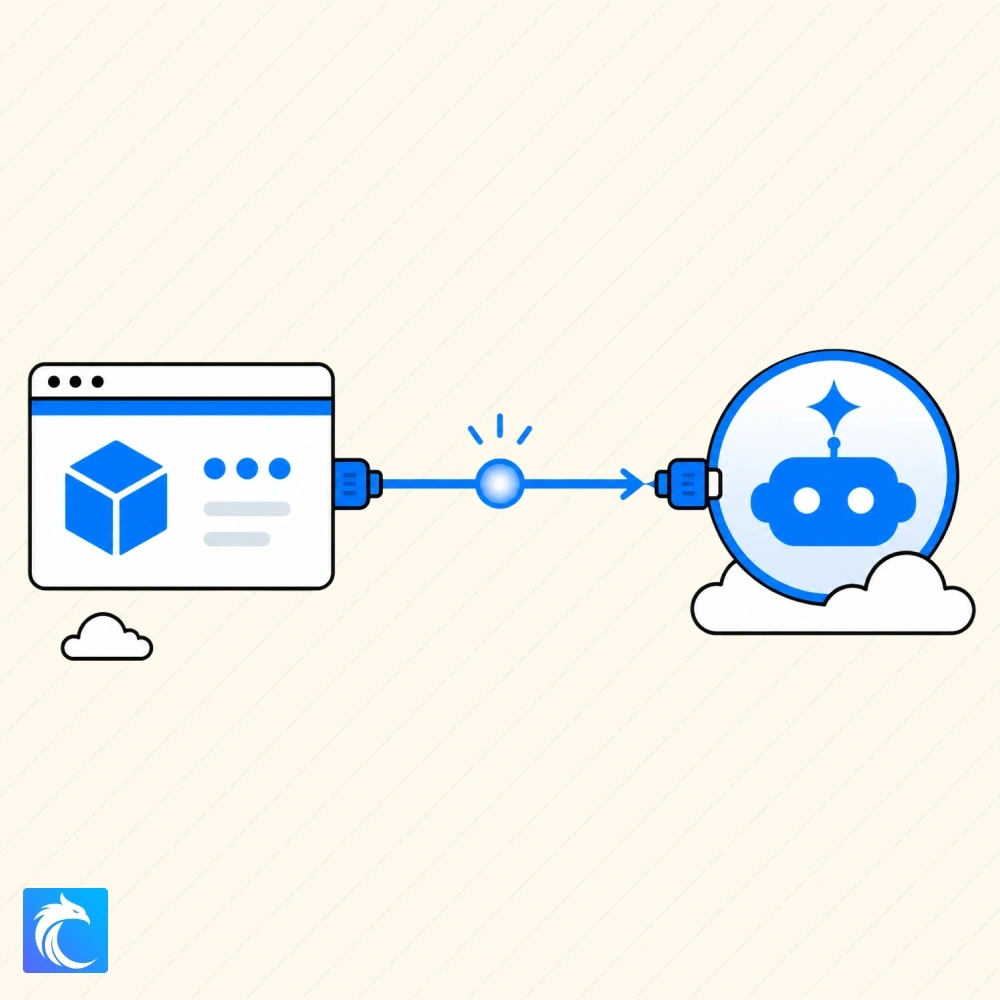
Connect an authenticated Azure Static Web App to a Microsoft Foundry prompt agent. You will build a server-side chat API, give the application only the access it needs, and send requests without exposing Foundry credentials in browser code.
Launch Connect a web app to Microsoft Foundry
Give an AI agent access to operational runbooks in Azure
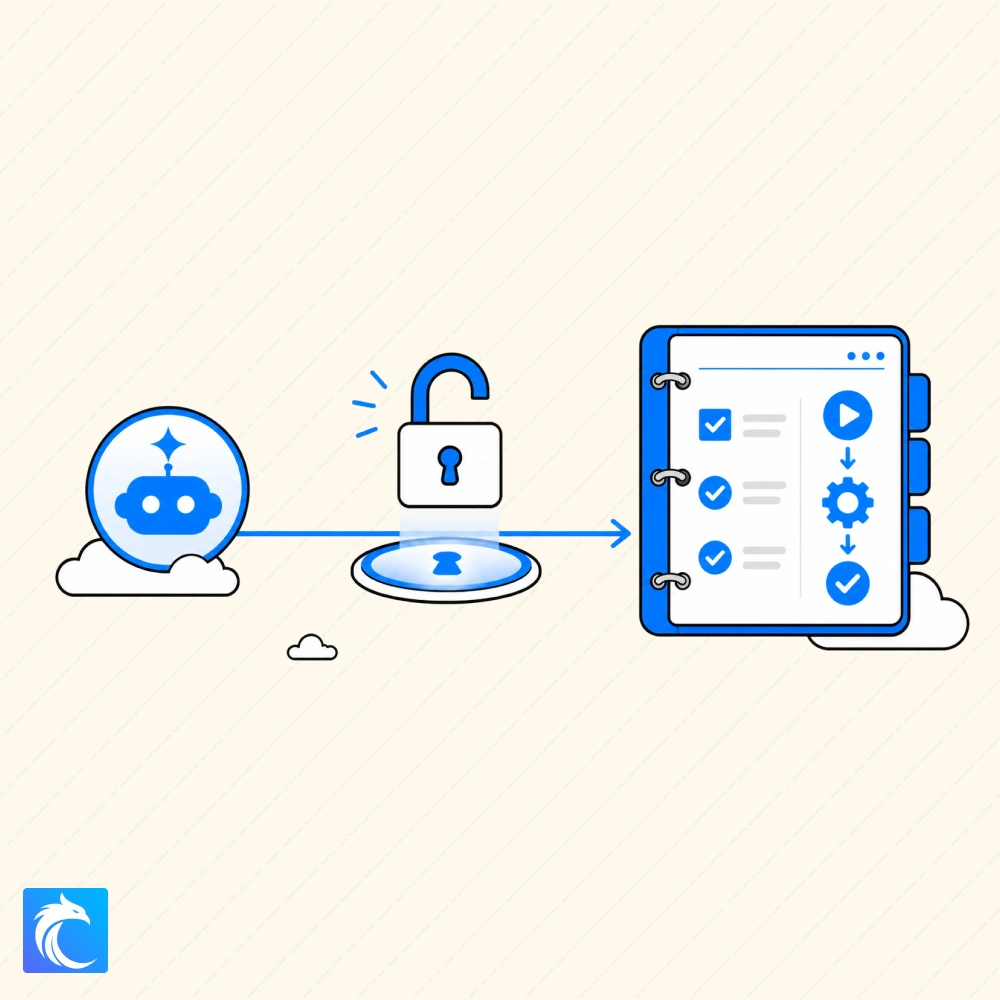
Give an existing Microsoft Foundry agent access to internal operating procedures stored in Azure Blob Storage. Trace a model-selected document call and test answers that clearly identify their source and limits.
Launch Give an AI agent access to operational runbooks in Azure
Give AI Agents Tools for Read-Only Access to Azure Environments
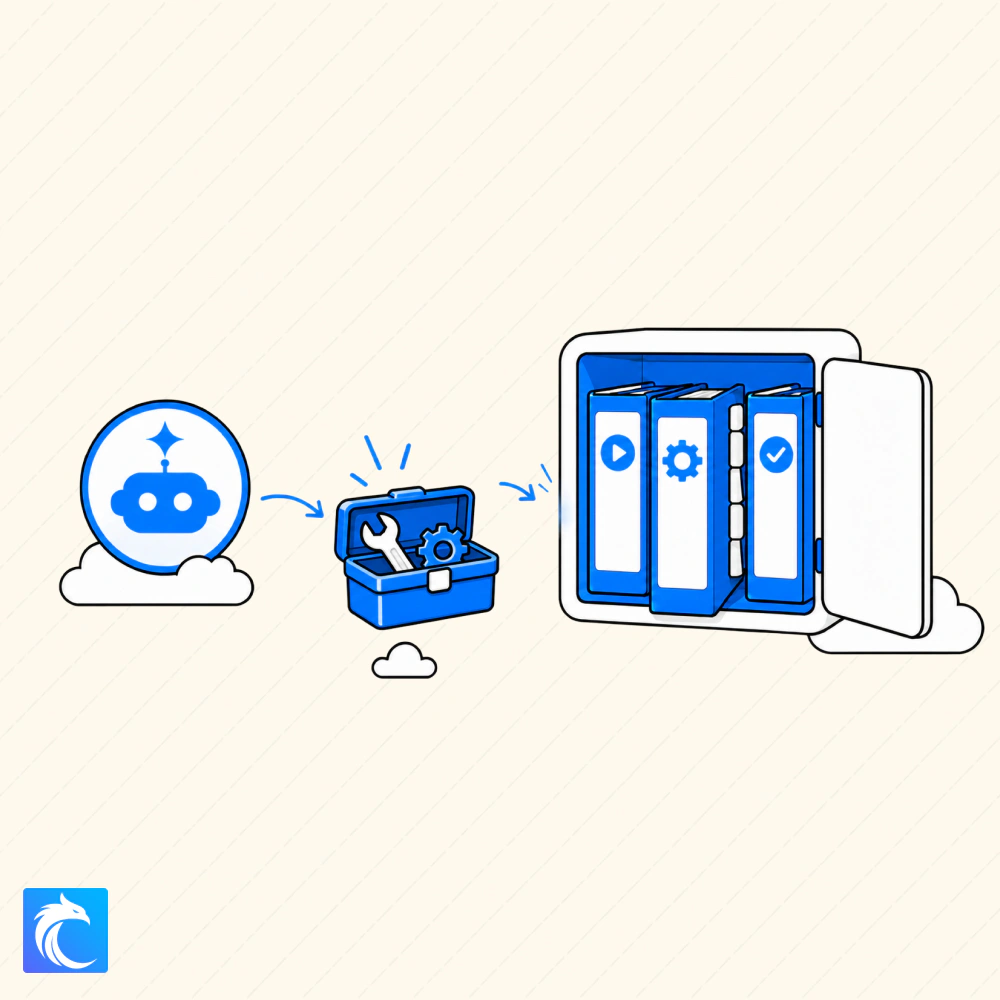
Give a Microsoft Foundry agent a tool that can read live Azure application data. Use that data and an operational runbook to investigate an HTTP 503 response while learning how tools help agents query real information instead of relying only on their training.
Launch Give AI Agents Tools for Read-Only Access to Azure Environments
Explore all Azure Hands-On Labs
This is only the beginning of our Azure lab catalog. We will continue adding projects across cloud operations, identity, security, application hosting, AI, monitoring, automation, and incident response.