Learn Azure in 30 Days Course + Our First Azure Hands-On Labs
Build, ship, attack, and defend an AI agent while learning Azure through a connected series of hands-on projects.

Last year, we launched our first Azure course, Getting Started with Microsoft Defender for Cloud. It was our first step beyond AWS and toward the multi-cloud training many of you had been asking for.
Today, we're taking the next step in that direction.
We're launching Learn Azure in 30 Days, a project-based course that takes you from your first day in Azure to building, shipping, attacking, and defending an AI agent. We're also launching our first 13 Azure 1-click deploy Hands-On Labs, giving you Azure environments where you can practice without using your own cloud account.
This isn't a course where you sit there watching someone read slides. Instead, it's almost entirely made up of hands-on labs with just a few theoretical lessons throughout to explain important concepts. Nearly every day puts you inside Azure to make a real change, investigate a failure, add a security control, or recover part of the system.
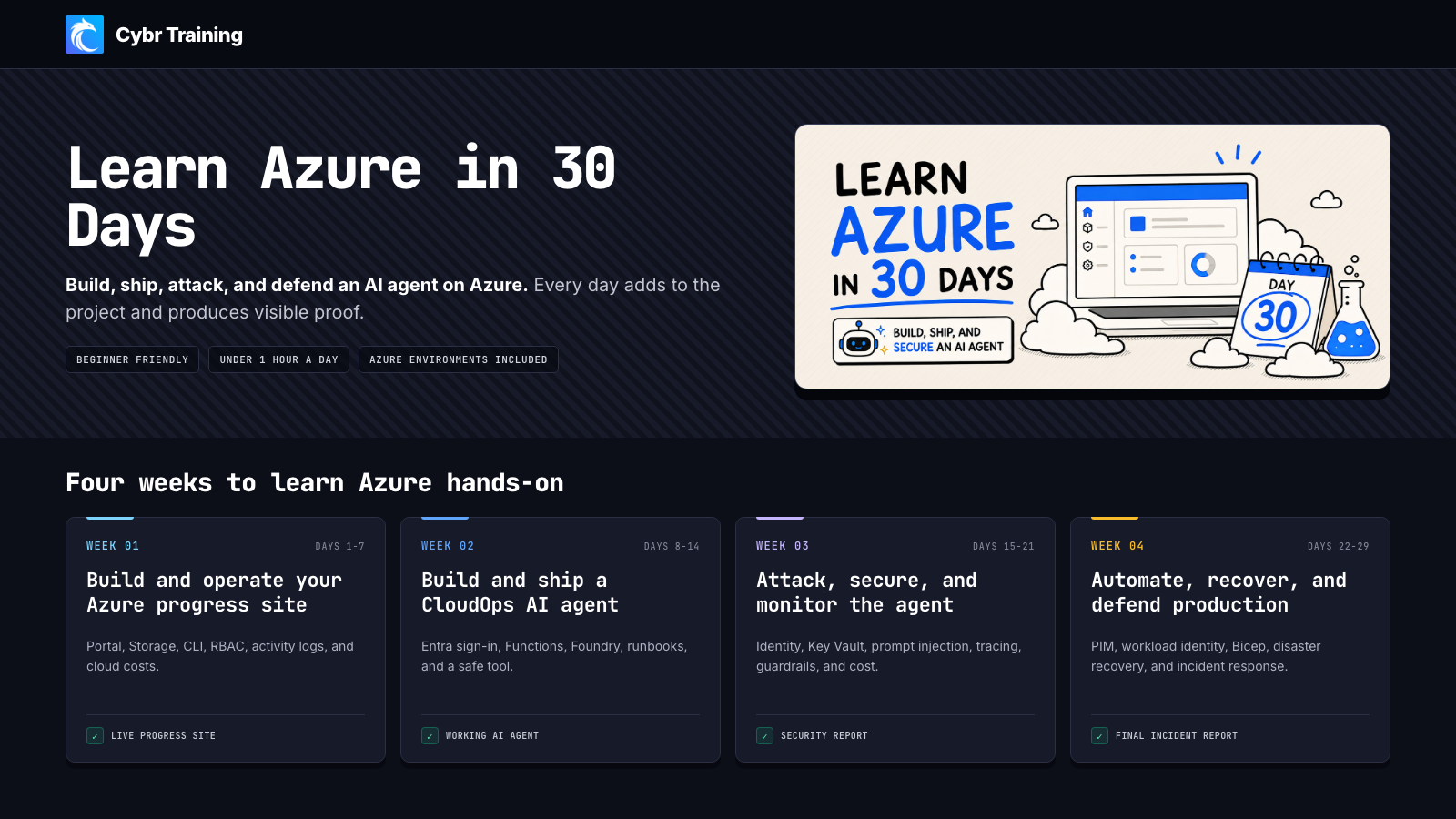
Build a project over 30 days
The course starts with the fundamentals, but it doesn't stay theoretical for long. You will build an Azure progress site that you can optionally host in your own Azure account and feature in your resume or portfolio. From there, you will deploy a CloudOps AI agent, connect it to data and tools, secure its identities and infrastructure, and then operate it through attacks and failures.
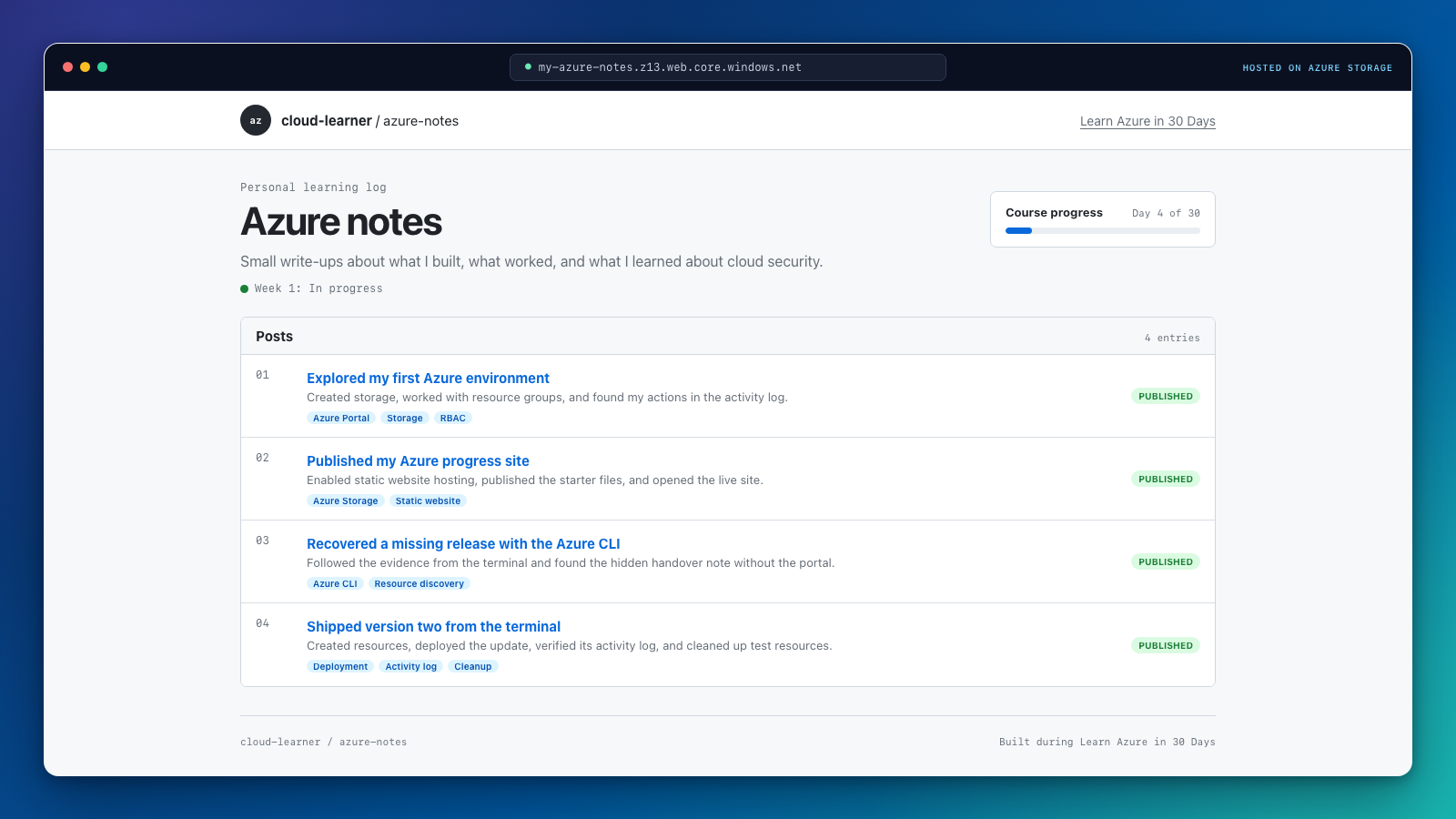
Each week builds on the other's work and knowledge:
- Week 1: Build and operate an Azure progress site. Work with resource groups, Storage, the Azure portal, the Azure CLI, role assignments, activity logs, and cloud costs while publishing a site that records your progress.
- Week 2: Build and ship a CloudOps AI agent. Deploy an authenticated application, add a serverless API, build an agent with Microsoft Foundry, connect it to operational runbooks, and give it a controlled read-only tool.
- Week 3: Attack, secure, and monitor the agent. Protect secrets with Key Vault and managed identity, repair exposed storage, stop prompt injection and tool misuse, inspect agent traces, and control abusive requests and unexpected costs.
- Week 4: Automate, release, recover, and defend. Use Conditional Access, Privileged Identity Management, workload identity federation, and Bicep before working through resource deletion, regional failure, a red team exercise, and a final incident.
Weeks 3 and 4 are still being built, so their topics and projects may change before release.
By the end of this course, you'll have a portfolio of evidence for what you've learned.
Azure environments included
You do not need a personal Azure account to complete the required labs.
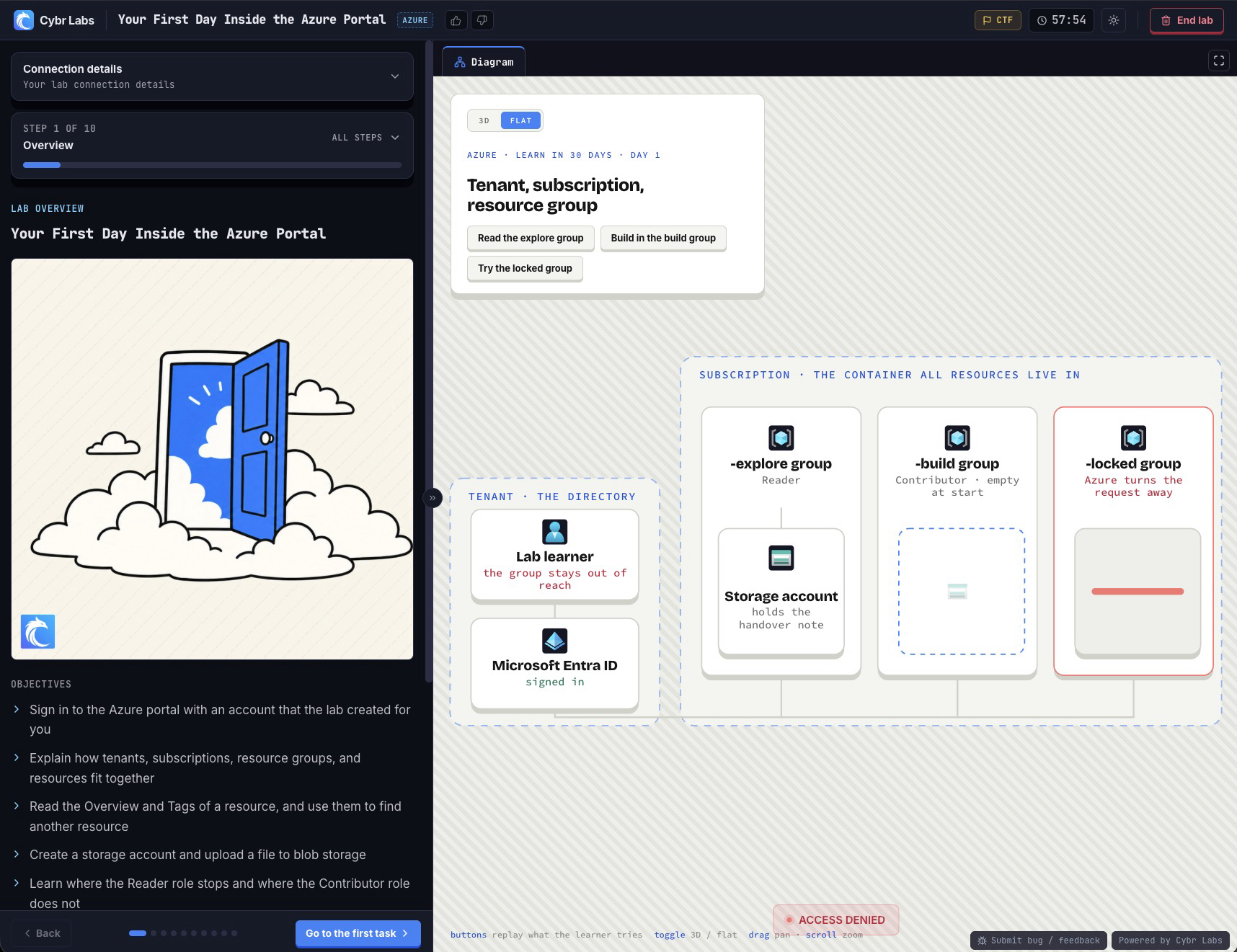
Each lab gives you a temporary Azure environment with the resources and permissions needed for that day's work. You can explore, make mistakes, repair the environment, capture your evidence, and move on without putting a personal or production subscription at risk.
If you do have your own Azure account, the course includes optional ways to continue building your progress site between labs. Those steps are optional and we'll let you know if there are any associated costs along the way.
Our first 13 Azure Hands-On Labs
We're excited to be launching our first 13 Azure Hands-On Labs. You've been asking for them, and here they are! They work a lot like our AWS Hands-On Labs in that they are 1-click deploy and give you everything you need to accomplish an objective. That objective could be to capture a flag, deploy an app, troubleshoot issues, pentest, perform security assessments, and more.
The first labs introduce the Azure portal, resource groups, permissions, Storage, activity logs, and the Azure CLI. From there, the course keeps adding labs across identity, application hosting, serverless functions, AI agents, monitoring, infrastructure as code, and incident response.
See all 13 Azure Hands-On Labs launched in August.
Built for Azure beginners and experienced cloud practitioners
You can start this course without prior Azure experience. Day 0 explains the relationship between a Microsoft Entra tenant, an Azure subscription, resource groups, and resources before the first lab places you inside a prepared environment.
If you already work with AWS, we share some comparisons that will help you connect familiar ideas to Azure. The goal is to help you transfer what you already know about cloud platforms while understanding what Azure does differently.
Start building on Azure
Get started today:
Start Learn Azure in 30 Days or explore all Azure Hands-On Labs.