
Secure EC2 Access with SSM Session Manager and KMS
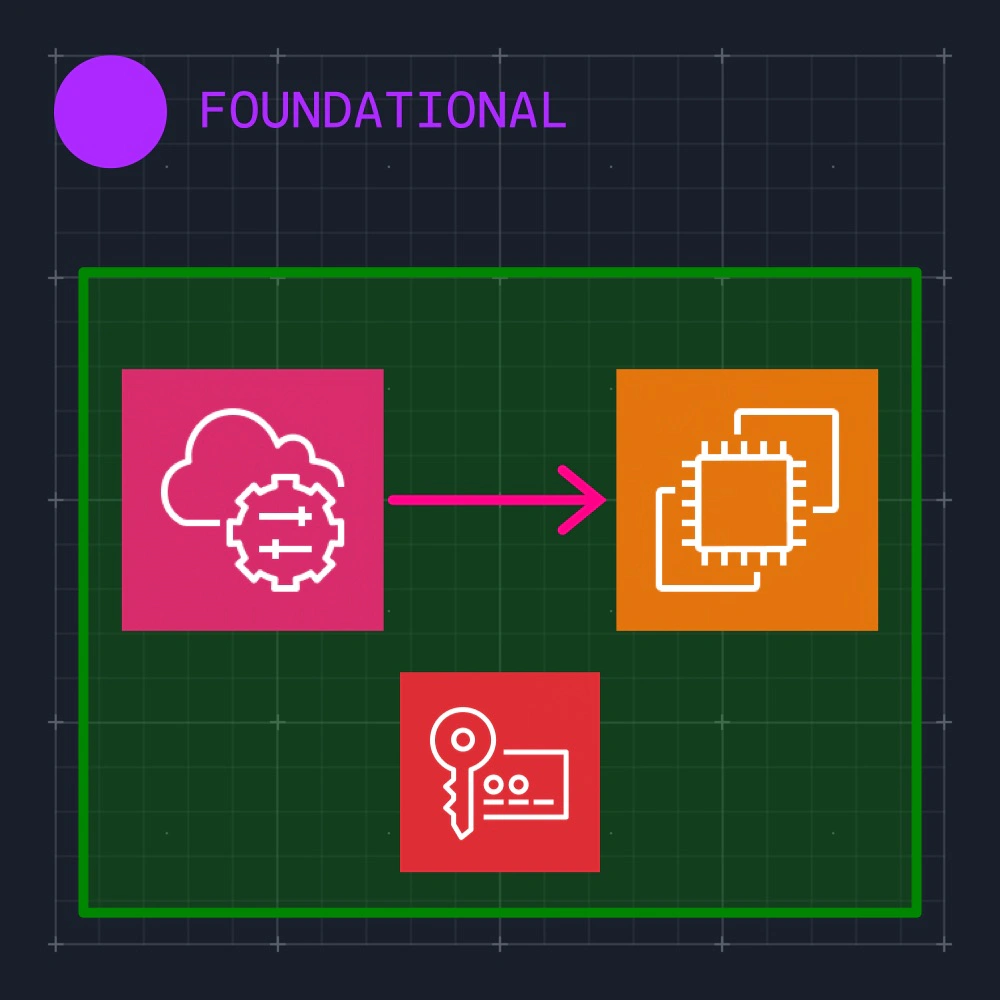
Securely connect to your EC2 instances with AWS Systems Manager Session Manager. Session Manager lets you manage your Amazon EC2 instances through an interactive one-click browser-based shell or through the AWS CLI. After the session is started, you can run bash commands as you would through any other connection type, effectively replacing the need to SSH into instances. For added security, we can enable KMS session encryption with a customer managed key. Note: SSM takes 15 minutes to find the instance, so make sure you have spare time before starting the lab!
- 7 guided tasks
Scenario
SSH access requires inbound ports and SSH keys that you then have to manage, which can quickly grow out of control for organizations. In this lab, you'll explore an alternative option by using Session Manager, an AWS service, to access an instance without SSH. Then, you'll enable KMS encryption for your session data.
What you will learn
- Explain how Session Manager provides access without inbound ports or SSH keys.
- Enable Default Host Management Configuration for the private EC2 instance.
- Connect to the instance through a Session Manager terminal.
- Enable session encryption with the supplied KMS key.
Secure EC2 Access with SSM Session Manager and KMS
Included in Cybr Premium.