Secure Azure Resources with Private Endpoints
Learn how Azure virtual networks, subnets, private endpoints, and private DNS work together to protect access to important cloud resources. Starting with an application backed by Cosmos DB, you’ll build a private connection to the database, disable its public network access, and verify that the application can still save and retrieve data. Along the way, you’ll explore how Azure networking compares with AWS, why private connectivity still requires identity permissions, and how Terraform makes these network changes repeatable.
- 7 guided tasks
Scenario
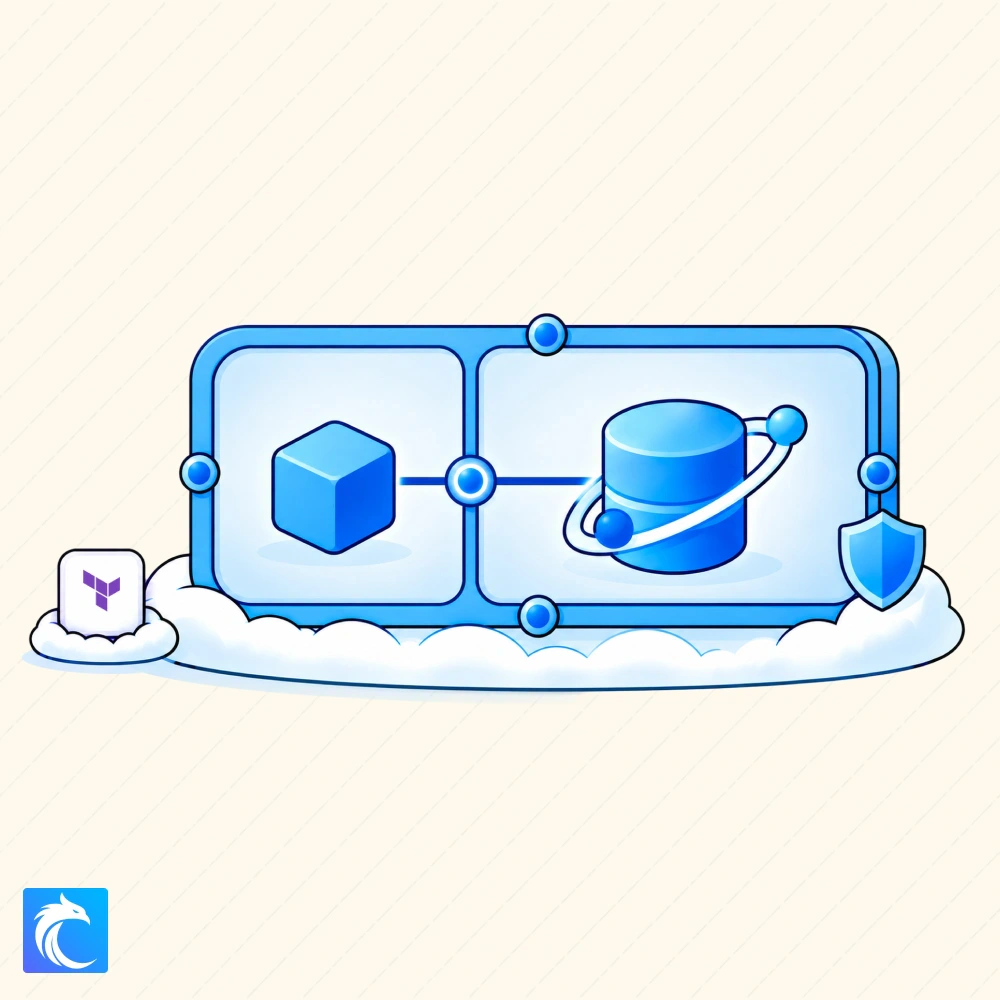
In a prior lab, we deployed Cosmos DB using Terraform. However, after review, the security team notified us that we deployed it with public access, meaning that our database accepted connection attempts from the public internet, even though reading or changing data still required permission. Not great.
For this internal application, that public path isn't needed. It gives attackers a place to try stolen credentials from outside our network. As an added benefit, private access makes it so that a caller needs an allowed network path in addition to the right permissions, giving further defense in depth.
Let's fix that by keeping database requests on a private connection. You'll add a private endpoint and private DNS with Terraform, then disable public database access. Of course, let's make sure we didn't break the app and can still save and read incidents through the application before you wrap up for today.
- Your Manager
What you will learn
- Learn how Azure VNets, subnets, private endpoints, and private DNS work together to provide private access to cloud resources.
- Configure a private endpoint and private DNS so an application can connect to Cosmos DB through the VNet.
- Disable public database access and verify that the application can still save and retrieve data through the private connection.
Secure Azure Resources with Private Endpoints
Included in Cybr Premium.