
IAM AddUserToGroup PrivEsc
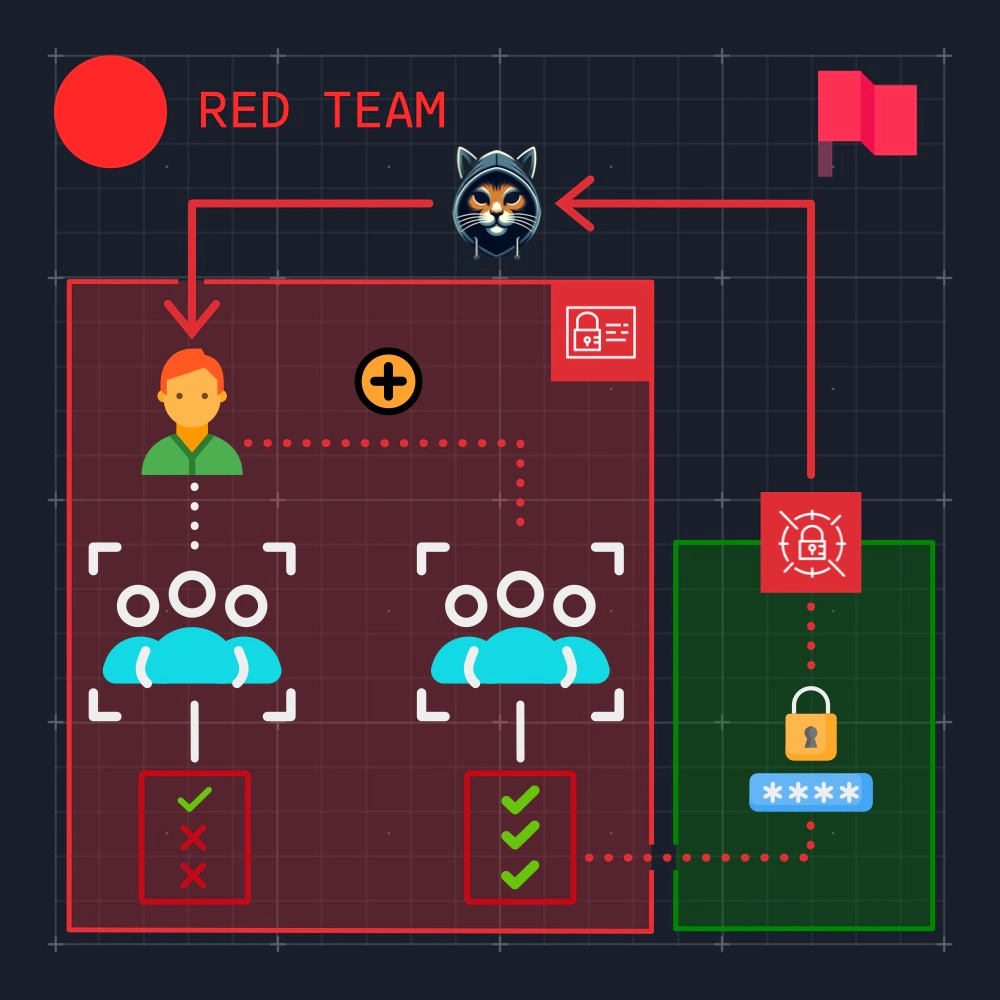
Exploit iam:AddUserToGroup to add your user to a higher privileged group and get access to a secret value stored in Secrets Manager that your IAM user should not have been able to access. Complete the lab by submitting the secret value as the flag.
- 10 guided tasks
- Capture the flag
- Terminal in the browser
Scenario
Best practices say that we should try to apply IAM policies to groups, and then add users to those groups so that they can inherit permissions. This is a best practice because it helps keep things organized and you can quickly and easily give or remove a user's permissions by adding them or removing them from a group.
This lab is a great way to showcase why this is a best practice. Even just adding one inline policy to a user can wreak havoc, as you're about to find out.
This lab has been misconfigured, so exploit it with iam:AddUserToGroup to grant yourself access to the Secrets Manager service so you can retrieve secrets from that AWS account.
You've successfully completed this lab once you've submitted the secret value!
What you will learn
- Configure the AWS CLI with the keys the lab gives you.
- Enumerate IAM users, groups, and policies to map the account.
- Spot an inline policy that grants iam:AddUserToGroup on a path wildcard.
- Add your user to a higher privileged group to reach Secrets Manager.
- Read the protected secret and submit its value as the flag.