
Breaching Azure Through an Exposed Blob Storage Container
What can an attacker do with an exposed Azure storage container? In this beginner-friendly red-team lab, you'll start with Northstar Analytics' website URL, investigate public deployment files, and uncover an application credential. Use it to access private reports and collect proof of the breach, then explain the permissions that made it possible and how to prevent it.
- 6 guided tasks
- Capture the flag
Scenario
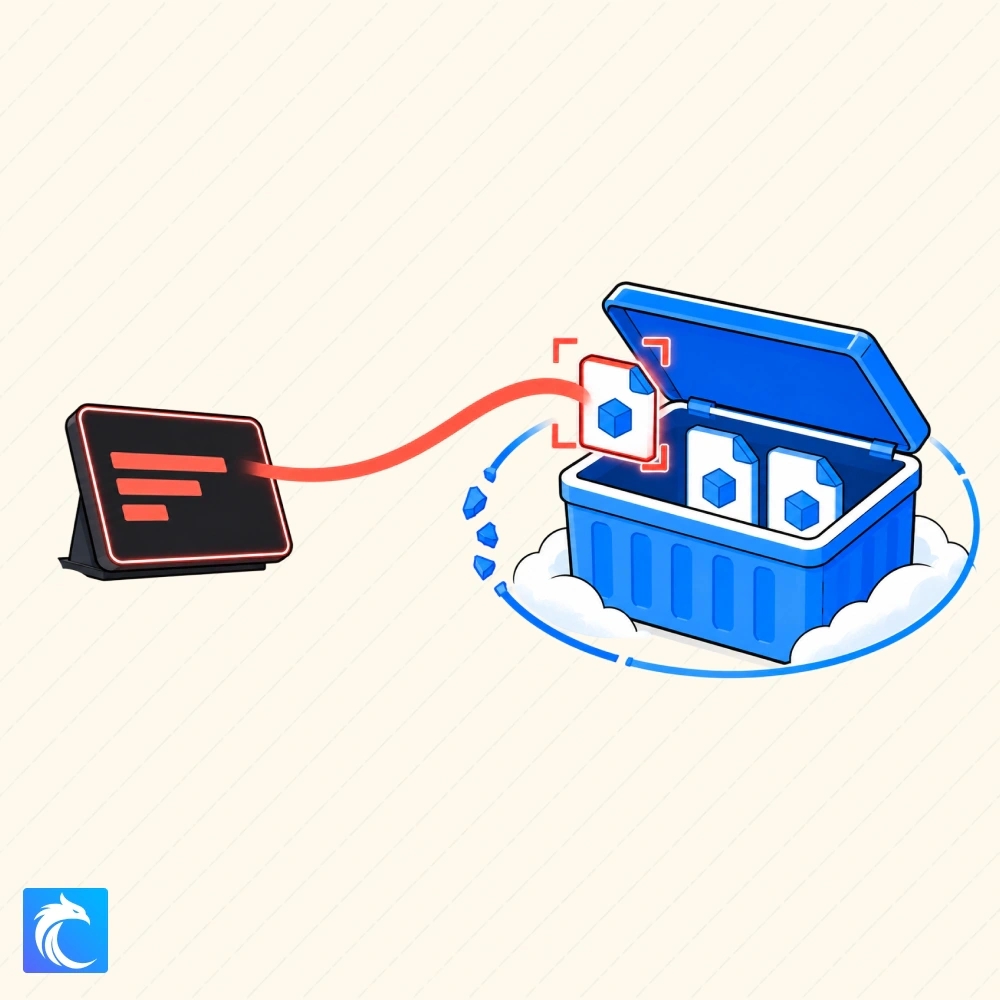
In a prior lab we stressed how important it was to protect our Azure Blob storage from unintended exposure. But in that lab, we focused on the blue team side. That is, we found the issue and remediated it. In this lab, we put on our red team hat and we explore exactly what can happen if we don't take care of our permissions.
Northstar Analytics distributes customer onboarding documents through Azure Blob Storage. Your team is in charge with pentesting this application to look for vulnerabilities. Using the URL of their website, investigate the exposure, establish whether it permits authenticated access, and if so, retrieve proof by accessing one of the files.
What you will learn
- Identify the storage account, container, and blob in an Azure URL.
- Find an application credential in exposed deployment files.
- Authenticate as a service principal and read private blob data.
- Explain the permissions and remediation for this initial-access path.
Breaching Azure Through an Exposed Blob Storage Container
Free with a Cybr account.