
Detect threats and respond to incidents
Review managed findings, investigate vulnerable workloads, and connect security events to automatic containment.
Prepare with practical AWS security work
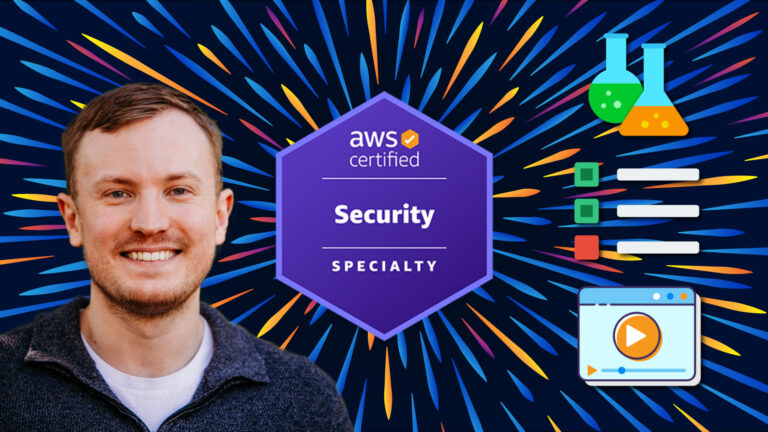
Prepare for the certification and build practical AWS security skills. Work through threat detection, logging, infrastructure, identity, data protection, and governance scenarios.
Premium membership required


70,000+ people learn with Cybr




Choose a featured certification lab
Work through threat detection, incident response, security monitoring, network controls, identity, and encryption in real AWS environments.
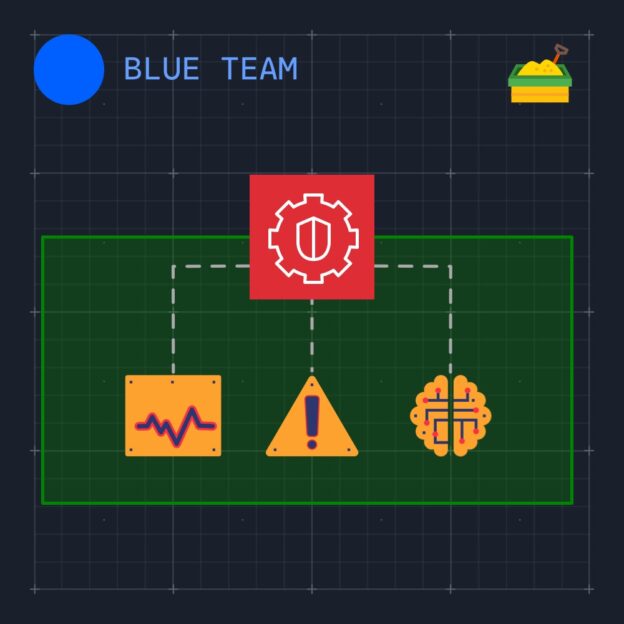 Premium
Explore Amazon GuardDuty findings in a safe AWS environment.
Open lab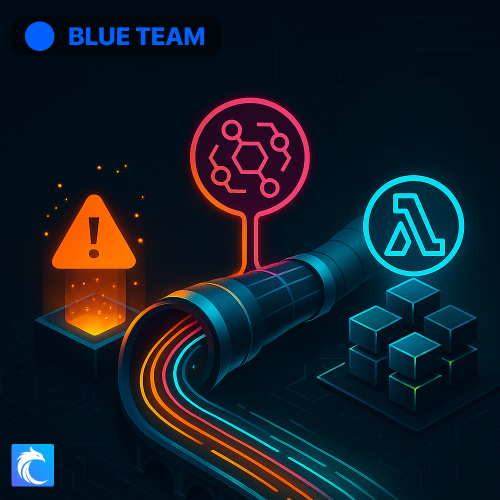 Premium
Detect suspicious IAM activity and automate containment with AWS services.
Open lab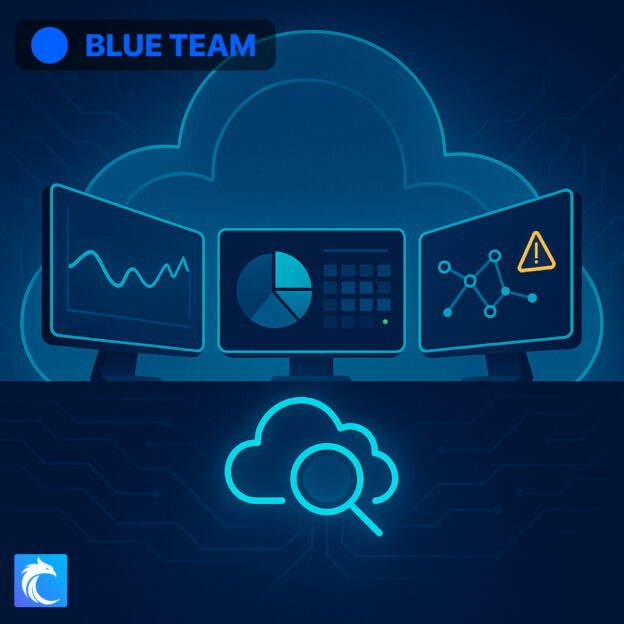 Premium
Turn CloudTrail activity into a CloudWatch security dashboard.
Open lab Premium
Control network traffic with security groups and network access control lists.
Open lab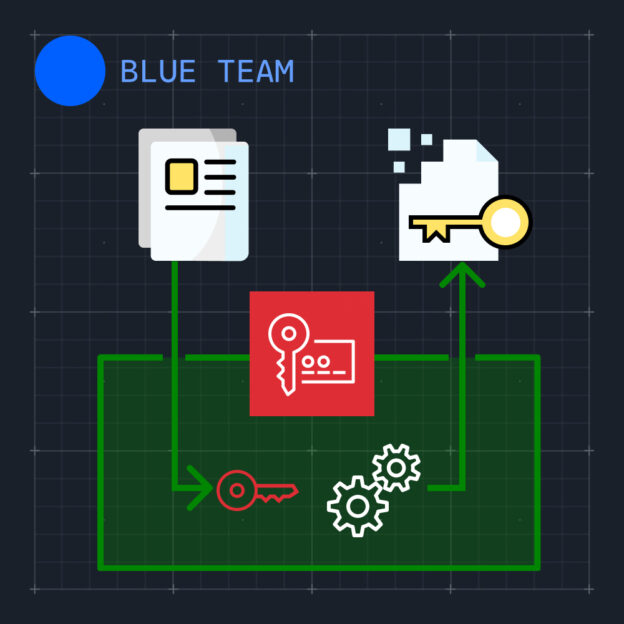 Premium
Encrypt data with AWS KMS, customer-managed keys, and data keys.
Open labAWS Security Specialty skill areas
Build skills in detection, response, logging, monitoring, infrastructure protection, access control, encryption, and security governance.
Review managed findings, investigate vulnerable workloads, and connect security events to automatic containment.
Collect host and network activity, then turn AWS records into dashboards and useful security signals.
Control network paths, protect web workloads, and find exposed services before attackers do.
Review credential status, create controlled service access, and assess policy changes before deployment.
Use AWS key management and service controls to protect application, database, and object-storage data.
Set policy checks, enforce access rules, and automate fixes for unsafe cloud settings.
Free cheat sheets
Review SCS-C03 exam topics and key concepts in AWS identity, network security, logging, and encryption.
In-scope AWS services, features, concepts, and tools for the SCS-C03 exam.
Compare the roles of services used for identity, threat detection, infrastructure protection, and data security.
Policy syntax, role trust relationships, and cross-account access explained with annotated JSON examples.
Compare statefulness, rule behavior, and scope for the two types of VPC network controls.
Encryption and decryption workflows using KMS keys and data keys.
Logging coverage, encryption, log file validation, and monitoring controls for protecting CloudTrail evidence.
How the labs work
Cybr prepares the AWS environment for each lab. You can focus on practical security work instead of account setup, billing, and cleanup.
Choose a lab that matches the next part of your study plan.
Get the AWS resources, access, tools, and instructions that the scenario requires.
Apply the control, investigate the activity, and review why the result matters.
Practice without changing personal or company resources. Cybr provides the lab environment and covers its AWS costs.
Follow a complete study plan
Use the Security Specialty path to organize your study. Use the Blue Team path to deepen practical detection, response, and governance skills.
Follow a structured plan through AWS security lessons, labs, quizzes, and practice exams.
Build practical skills in monitoring, detection, incident response, security automation, and governance.
Before you start
Yes. The featured certification labs require Premium membership. Access requirements appear on each featured lab.
No. Cybr supplies the AWS environment and lab access. Your personal and company AWS accounts stay separate.
No. The page focuses on durable AWS security skills instead of a version number. Review the current AWS exam guide before scheduling your exam.
Labs cover threat detection, incident response, security logging, monitoring, infrastructure protection, IAM, encryption, and governance.
Start with AWS and security foundations if these services are new to you. The labs then build practical experience across major security tasks.
No. Cybr provides the AWS environment, covers its cloud costs, and removes the resources after your session.
Investigate GuardDuty findings in a guided AWS environment, then continue through response, monitoring, infrastructure, identity, encryption, and governance scenarios.
Premium membership required