
You Can Now Enroll in Learning Paths to Track Your Progress
You can now enroll in a path to track your progress and see exactly how far along you are. Stay on track with your learning goals and keep a detailed record of your accomplishments which you can then proudly display on your public profile!

When we launched the new Cybr platform a few days ago, one of the things on our "coming next" list was the ability to enroll in learning paths. It's now live!
Until now, a learning path was a list of courses and labs. It told you what to take and in what order, but there was no way to actually 'enroll' in it. You had to remember where you were and what came next.
With this launch, you can now actually enroll in the learning path.
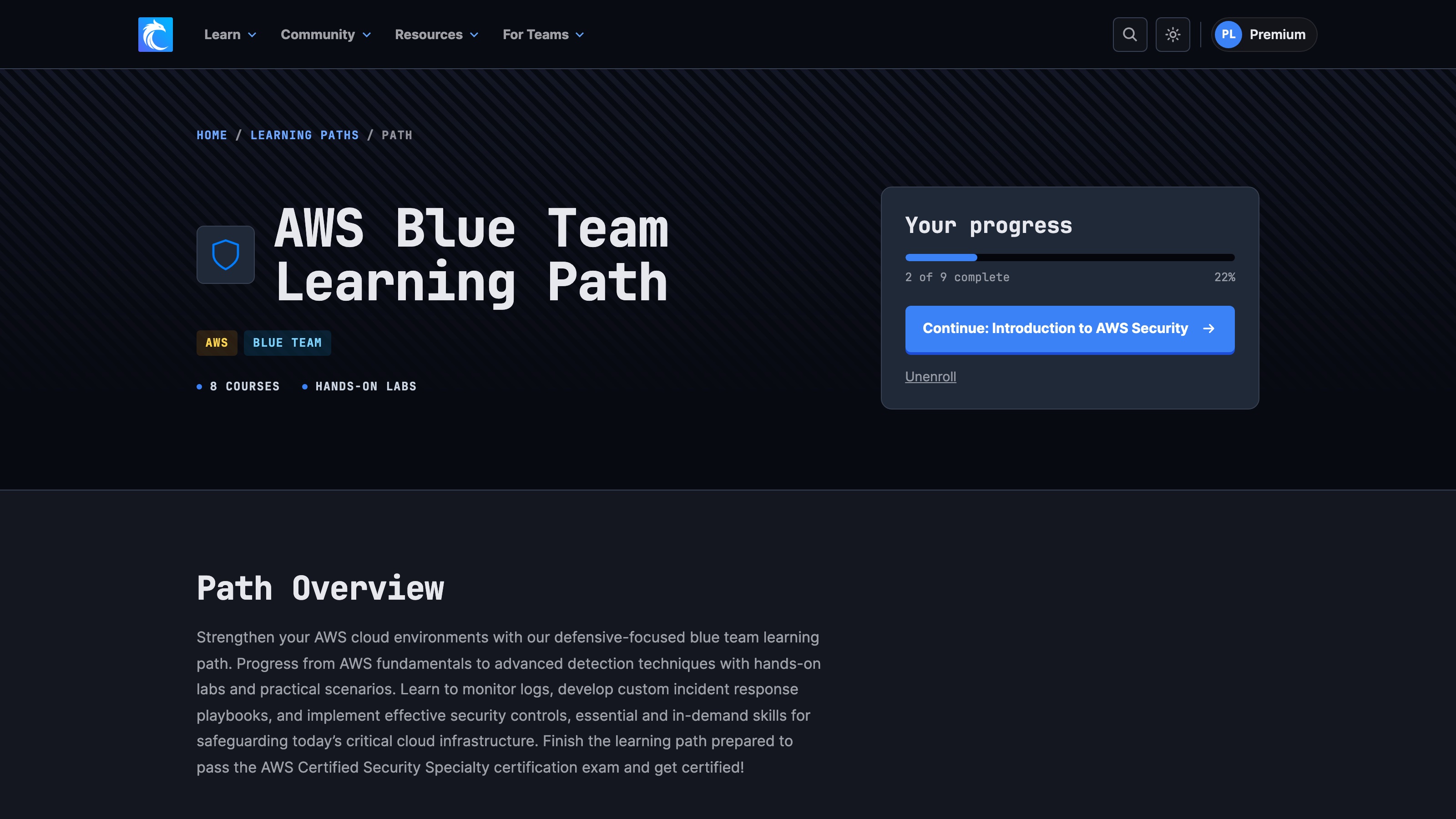
Enroll in one click
Enrolling is super easy. Just open a learning path from here and click on Enroll in this path. If you're not signed in yet, we'll ask you to sign in first and bring you back already enrolled.
Enrolling is open to every Cybr account, but keep in mind some of the courses and labs inside a path may require a Premium membership, so you will need that access to finish those paths.
See exactly where you are
Once you're enrolled, the top of the path page shows your progress: how many of the path's courses and labs you've finished, a progress bar, and a button that takes you straight to the next one.
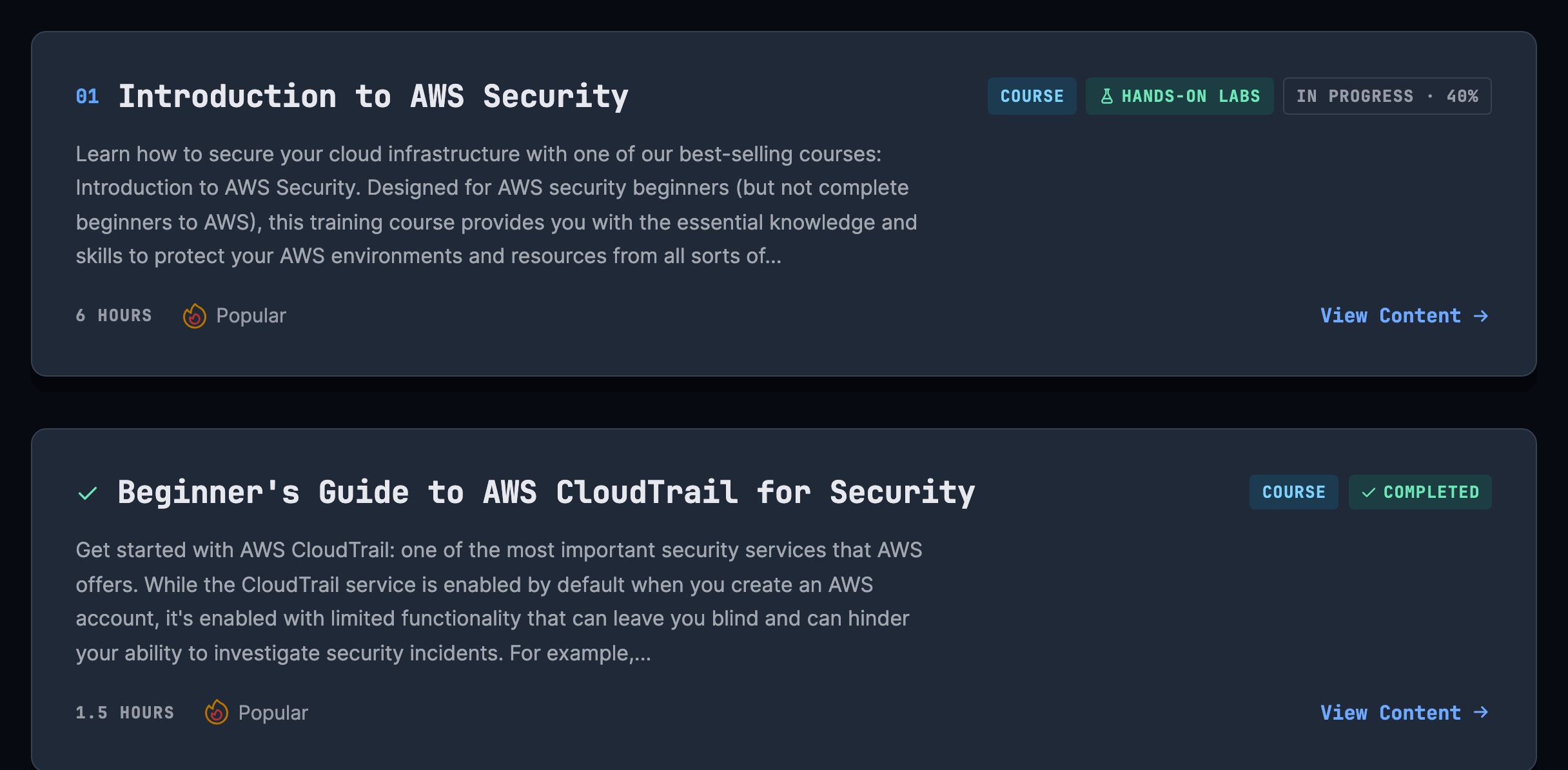
Each item in the path is marked as you go:
- Completed once you've finished it.
- In progress with a percentage for a course you've started but not finished.
- Optional for things like live study groups, which don't count toward finishing the path.
A course counts as finished once you've completed every lesson in it, and a Hands-On Lab counts once you've completed the lab. Anything you finished before enrolling counts too, so if you've already taken some of a path's courses, you won't start from zero.
Your paths on your dashboard
Your dashboard now has a Your learning paths section with a card for every path you're enrolled in. Each card shows your progress and what's next, so you can pick up where you left off in one click.
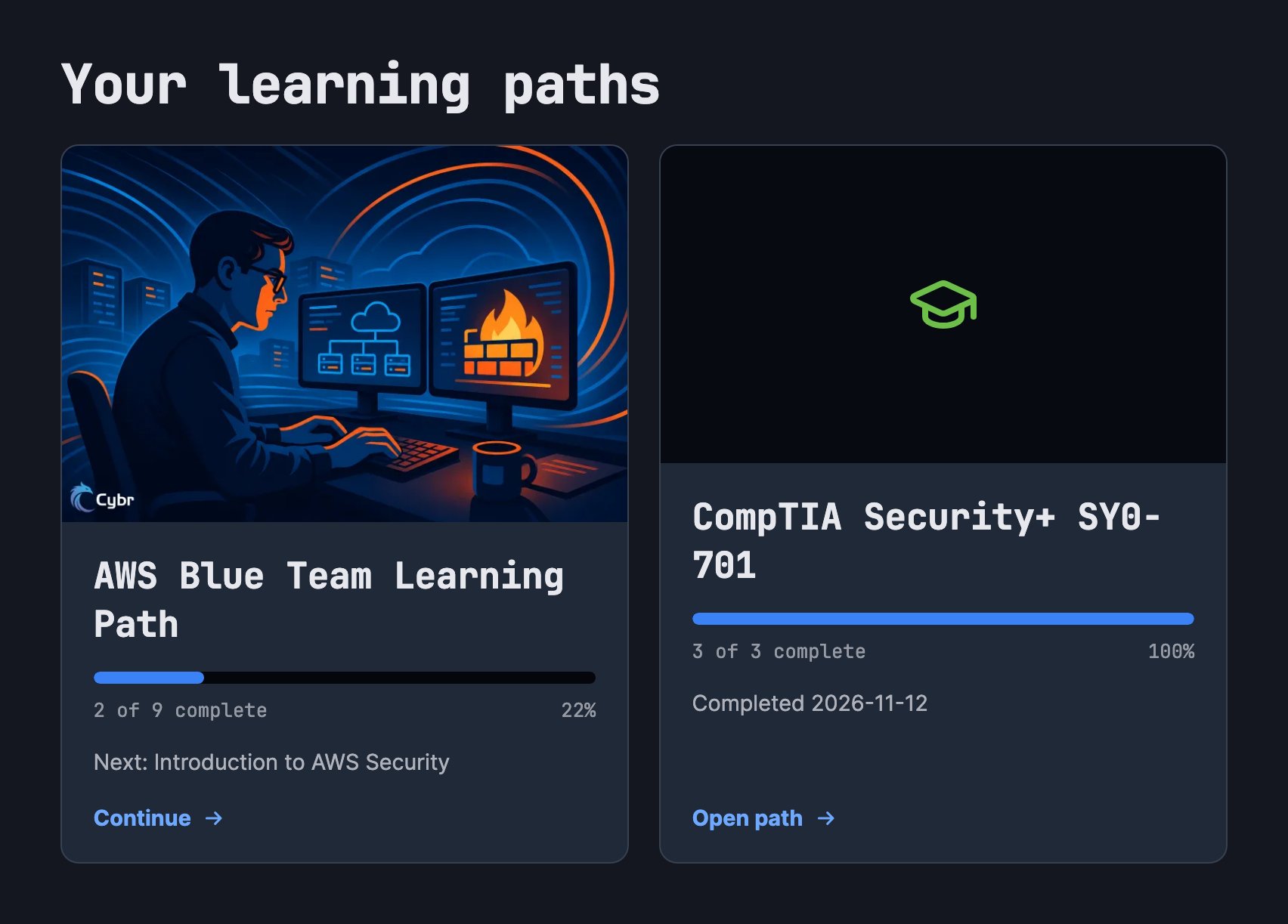
The learning paths page shows which paths you're enrolled in and how far along you are, too.
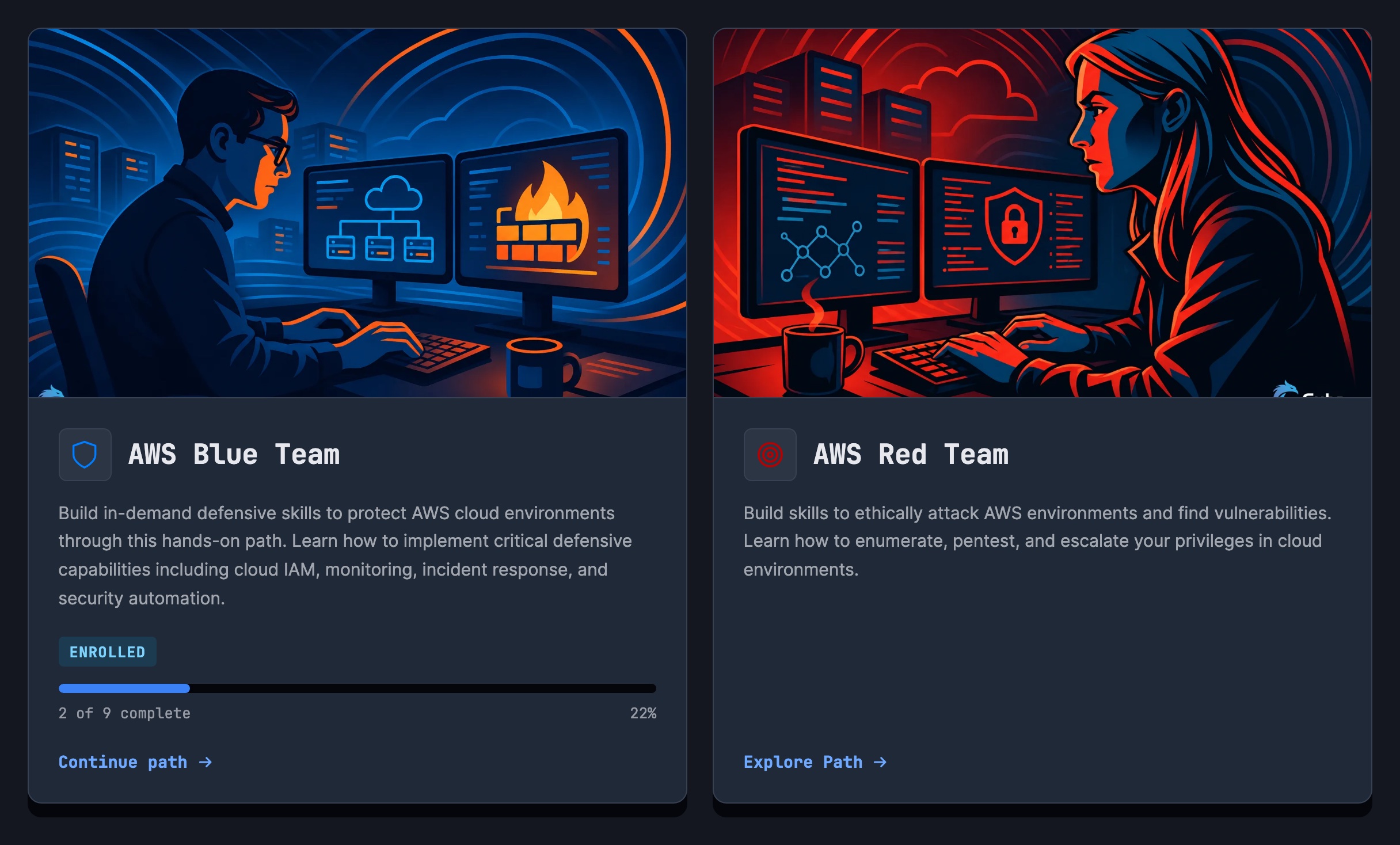
Finish a path and keep it
When you finish every course and lab in a path, the path is marked Completed with the date.
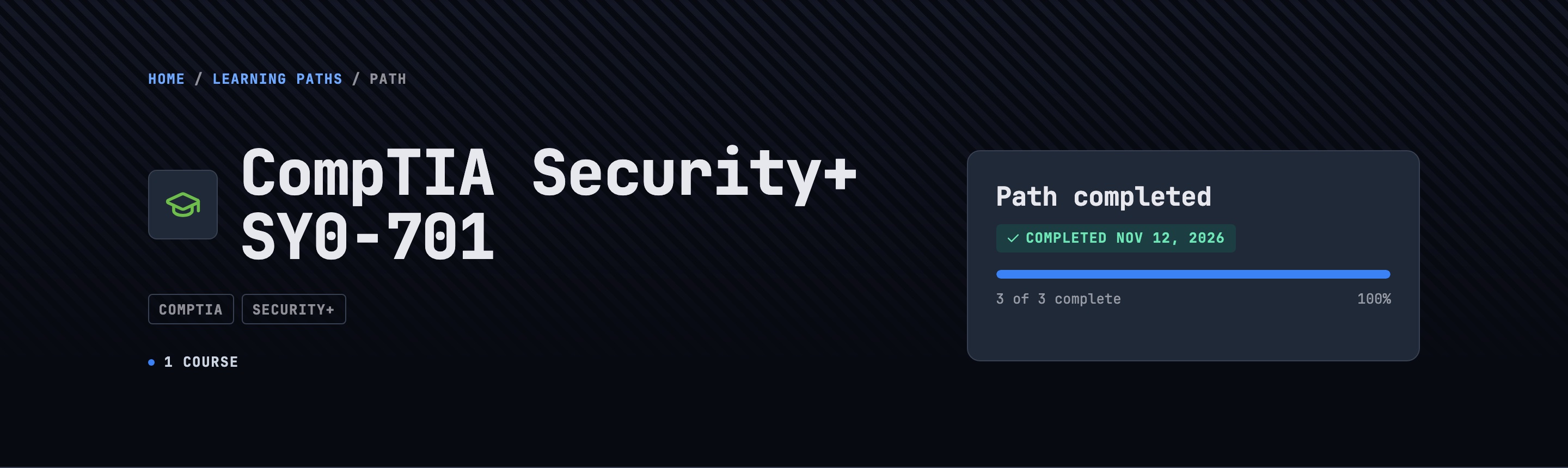
Completed paths also show up on your public profile, right above your completed courses. If you share your profile with your manager or link it from LinkedIn, they'll be able to see the learning paths you've completed (in addition to individual courses and Certificates of Completion). You can manage your profile under Profile on your dashboard.

Changed your mind about a path you haven't finished? Click Unenroll. Your course and lab progress stays exactly where it is, so if you enroll again later, you pick up where you were.
Pick a path
Here are the paths you can enroll in today:
- AWS Blue Team: defend AWS environments with monitoring, incident response, and security automation.
- AWS Red Team: enumerate, pentest, and escalate privileges in AWS.
- Azure Blue Team: investigate activity, harden identity, and secure infrastructure as code in Azure.
- Azure Red Team: enumerate, breach exposed storage, and escalate privileges in Azure.
- AWS IAM Privilege Escalation: hands-on IAM privilege escalation, technique by technique.
- AWS Certified Security Specialty: training, labs, and practice exams to pass the certification.
- CompTIA Security+: everything you need for the SY0-701 exam.
What's next
This is the first version, and we'd love to hear how you use it. Tell us in Discord or through our contact page what would make paths more useful to you.
Browse the learning paths and enroll in your first one!

Comments
Loading comments…