


You’ve probably heard of cloud-native application protection platforms, but have you heard of Microsoft Defender for Cloud? This platform not only provides a solid security posture for your Azure environment but also allows you to apply that same protection to AWS, GCP, and even on-premise workloads.

Hi, my name is Chad Crowell, and I’ll be your instructor for this course. In this course, focused on Defender for Cloud, we’ll explore how to protect your workloads across different cloud environments and maintain good posture management.
Overview of Microsoft Defender for Cloud
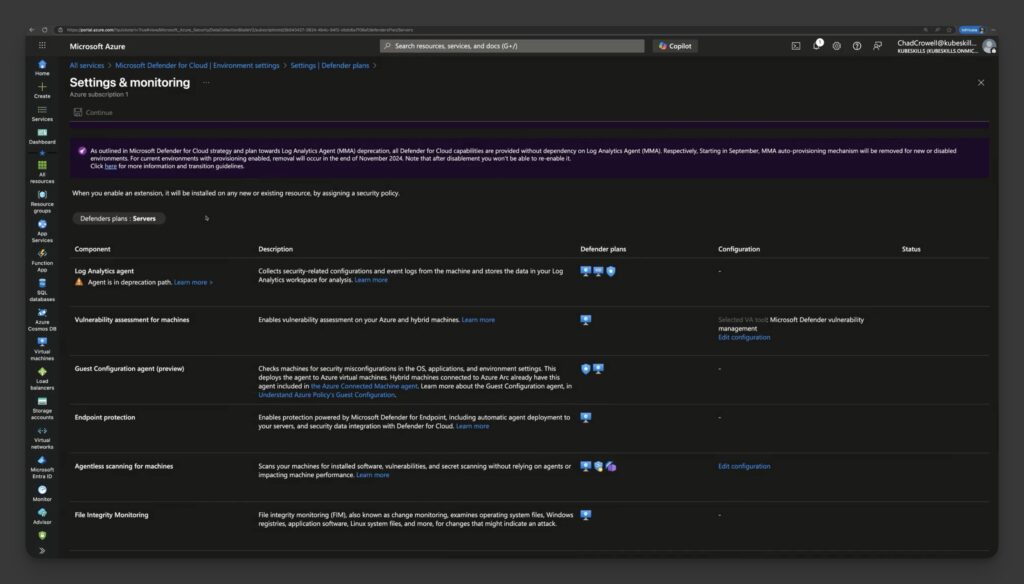
We’ll start by discussing what Microsoft Defender for Cloud is, how to locate it within the Azure portal, and how to activate it. Following that, we’ll delve into security policies, such as the NIST 800-53.

Implementing Security Policies
We’ll also show you how to implement these policies into your Entra ID and select the appropriate users responsible for managing the security account. Additionally, we’ll cover how to enable this protection for your resources, including VMs, storage accounts, and containers.
Testing Security Alerts
Next, we will go through scenarios where you can test the security alerts and integrate them into each of your resources in your cloud environments. We’ll discuss Azure Firewall and how you can secure your workloads that are exposed to the Internet.
Visualizing Security Vulnerabilities
We will also explore workbooks and how to visualize the security vulnerabilities present in your environment.

Automating Security Remediation
Finally, we will cover how to automate all of this so that when you receive a security alert, you can remediate without needing to take any manual actions.

We have a lot to cover, so let’s dive in and ensure you walk away with a secure score in this course, just as you aim for a secure score in Defender for Cloud.
Responses